
how to choose a good wireless router for apartment comes down to two things most people underestimate: interference from neighbors and the layout quirks of smaller spaces.
If your Wi‑Fi feels “fine” on the couch but drops in the bedroom, it’s rarely about raw speed, it’s about signal behavior in a dense building, plus how your devices actually use the network.
This guide keeps it practical: what to buy, what to ignore, a quick self-check, and a setup plan that usually fixes the real apartment problems without overspending.
Start with your apartment reality (not the marketing box)
Before specs, get clear on your constraints. Apartments often mean lots of nearby networks, thick interior walls in older buildings, and a router location you can’t perfectly choose.
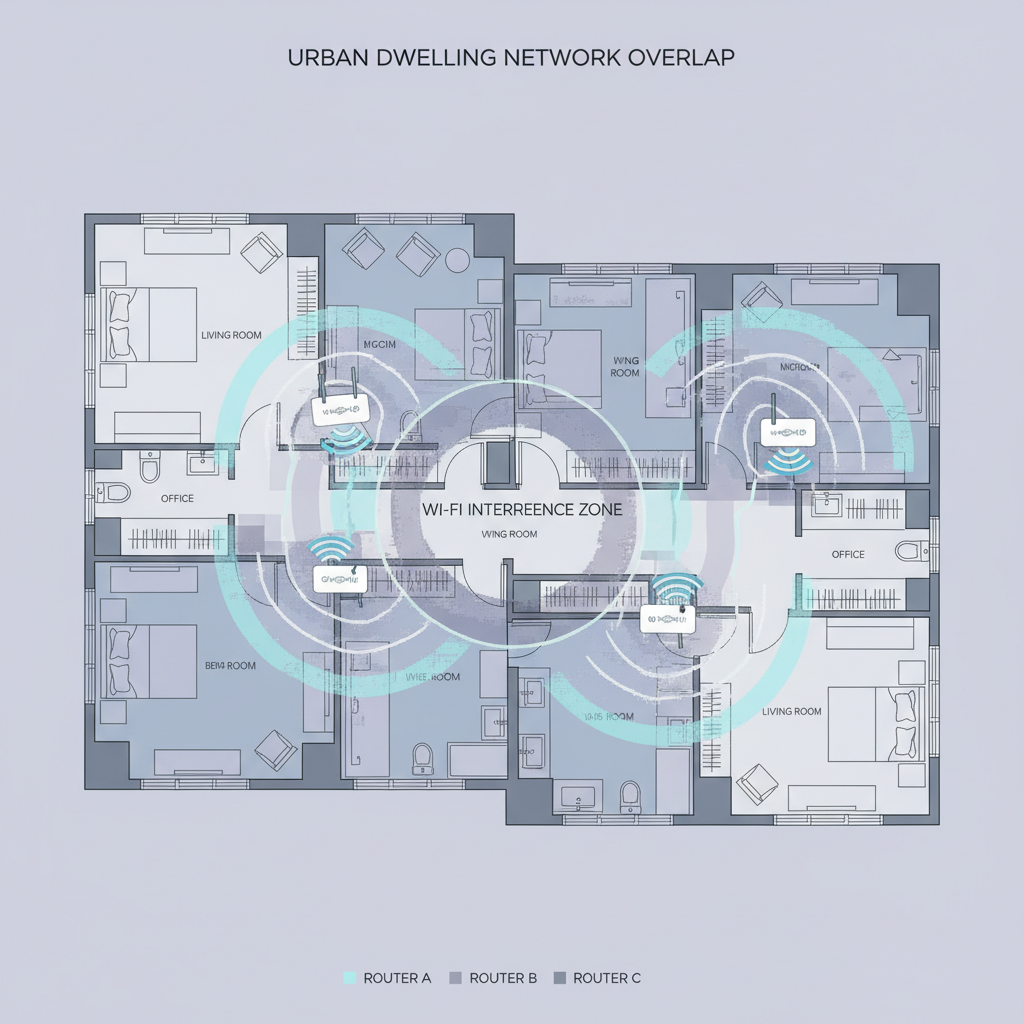
Use this quick self-check to decide what class of router you actually need:
- Size: Studio/1BR under ~800 sq ft vs. 2BR+ or long hallway layouts.
- Wall type: Plaster/brick/metal ducts tend to cut signal more than drywall.
- Network crowding: If you see 20+ Wi‑Fi networks in your list, you’re in a high-interference building.
- Device load: A few phones and a laptop is different from smart TVs, gaming consoles, cameras, and smart speakers all running at once.
- Internet plan: Paying for 1 Gbps but using a basic router often wastes the plan; paying for 300 Mbps doesn’t require premium hardware.
If you’re in a small apartment with lots of neighboring networks, you’ll typically benefit more from newer Wi‑Fi standards and good radios than from “maximum speed” claims.
Wi‑Fi 6, 6E, or 7: what matters in apartments
Most apartment shoppers get stuck here. The short version: choose the newest standard your budget and devices can use, but don’t pay for a band you can’t benefit from.
- Wi‑Fi 6 (802.11ax): The usual sweet spot. Helps when many devices compete, and tends to handle crowded airwaves better than Wi‑Fi 5.
- Wi‑Fi 6E: Adds 6 GHz, which can be less congested. In many apartment buildings, this is the most noticeable upgrade if your phone/laptop supports 6E and you’re close enough to the router.
- Wi‑Fi 7: Newest, fast, and promising, but benefits depend heavily on having Wi‑Fi 7 clients and good placement. Often overkill for a typical 1BR unless you want a longer replacement cycle.
According to the FCC, the 6 GHz band is available for unlicensed Wi‑Fi use, which is why 6E routers can offer a “cleaner” lane in many areas, especially compared with crowded 2.4 GHz.
Practical rule: if you’re trying to solve neighbor interference and your main devices are recent (roughly last 2–3 years), Wi‑Fi 6E can be a strong apartment pick; otherwise Wi‑Fi 6 is still a sensible buy.
Router specs that actually change coverage and stability
In listings, “AX3000/AX5400” ratings look decisive, but they’re not the same as real-world performance. Focus on specs tied to apartment pain points: consistency, range through walls, and handling multiple devices.
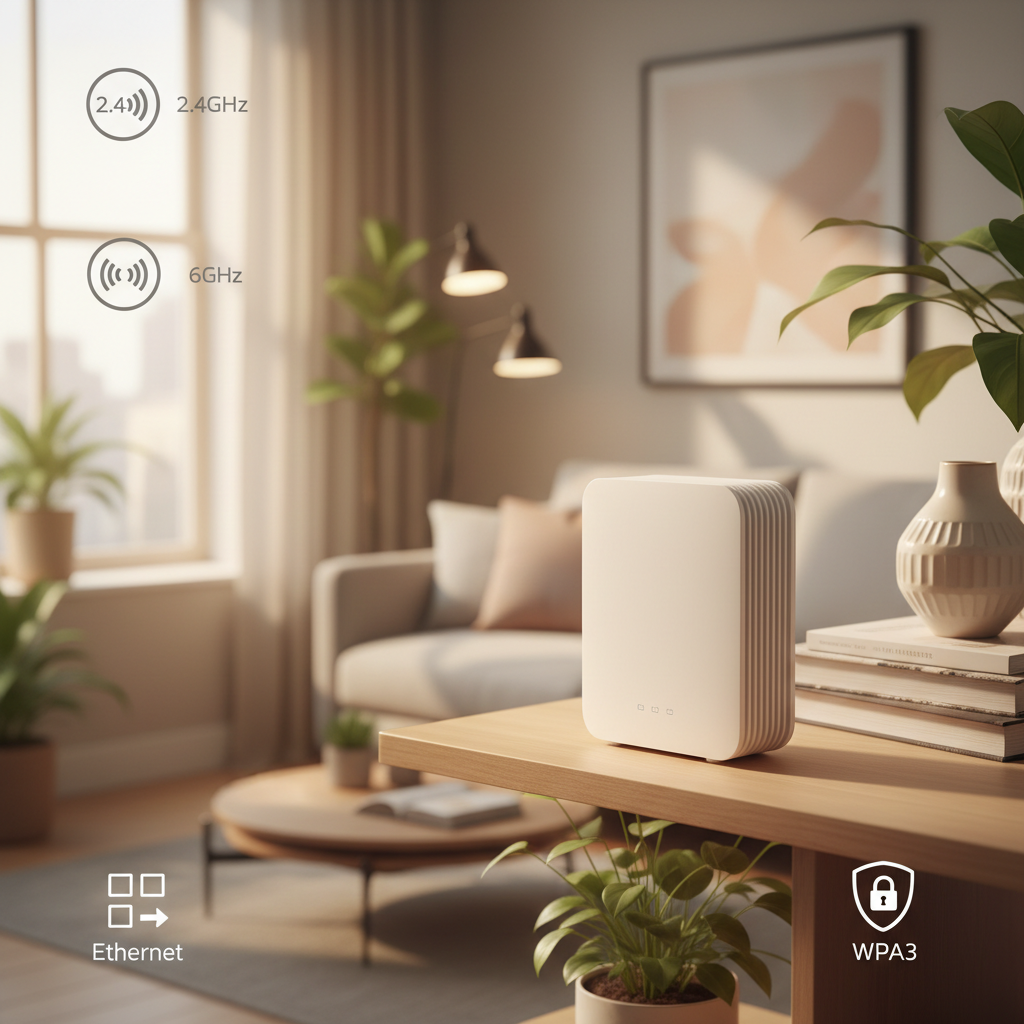
- Dual-band vs tri-band: Dual-band is fine for many small apartments. Tri-band can help if you have lots of devices or you plan to add mesh nodes later.
- 2.4 GHz vs 5 GHz vs 6 GHz: 2.4 GHz goes farther but is slower and noisier; 5 GHz is faster but shorter range; 6 GHz can be very clean but is more “line-of-sight.”
- MU‑MIMO and OFDMA: These are traffic-management features that reduce slowdowns when many devices connect. They matter more in apartments with multiple roommates and smart devices.
- Processor and RAM: Not glamorous, but underpowered routers can stutter under load, especially with security features, QoS, or lots of smart devices.
- Ethernet ports: If you can wire a TV, console, or work PC, you remove those devices from Wi‑Fi congestion immediately.
- WPA3 security: Strongly preferred. In dense buildings, you want up-to-date security defaults.
One more thing people miss: placement and antenna design often beat “higher AX numbers.” A midrange router placed well can outperform a premium model stuffed behind a TV.
Mesh vs single router for apartments (a simple decision)
A lot of apartment shoppers jump to mesh because it sounds modern. Mesh is great when your layout demands it, but it can be unnecessary cost and complexity in a small place.
- Pick a single router if you have a studio/1BR, your router can sit near the center, and you mainly need stability.
- Consider mesh if you have long hallways, bedrooms at the far end, thick walls, or you can’t place the router centrally because of cable/fiber entry points.
- Prefer wired backhaul when possible: if you can run Ethernet between nodes (even one run), mesh performance is usually more predictable.
When people ask how to choose a good wireless router for apartment with dead zones, the answer is often “start with one strong router, then add a mesh node only if you still have weak rooms after better placement and channel tweaks.”
A quick buying checklist (use this in-store or on Amazon)
If you want a fast filter, this is the shortlist that tends to work for most U.S. apartments without getting lost in spec soup.
- Wi‑Fi standard: Wi‑Fi 6 minimum; 6E if your building is crowded and your main devices support it.
- Bands: Dual-band for basic use; tri-band if you stream 4K while gaming and video calling, or if you plan to expand coverage.
- Security: WPA3 support.
- App + updates: Clear firmware update policy and an app that makes channel selection and device management easy.
- Ports: At least 1–2 LAN ports if you can wire key devices.
- Return policy: Wi‑Fi is environment-dependent; being able to test for a week matters.
Apartment router recommendations by scenario (table)
Instead of naming specific models that change every quarter, use scenarios to match features to your situation, then shop within your budget.
| Apartment scenario | What to prioritize | Nice-to-have | What to skip |
|---|---|---|---|
| Studio/1BR, moderate device count | Wi‑Fi 6, solid 5 GHz performance, WPA3 | Easy app controls, 2+ LAN ports | Wi‑Fi 7 pricing premium |
| 1BR, very crowded building | Wi‑Fi 6E, strong radios, good channel tools | Tri-band | Over-focusing on “max Mbps” claims |
| 2BR+, long hallway or back bedroom dead zone | Mesh-ready system or router that supports adding nodes | Wired backhaul support | Cheap extenders that create new issues |
| WFH + video calls + gaming | Stable 5 GHz/6 GHz, strong CPU, QoS options | Ethernet to desk/console | Ultra-budget routers with weak processors |
Setup steps that usually matter more than upgrading
Even the right router can feel “bad” if it’s set up like an afterthought. These steps fix a surprising number of apartment Wi‑Fi complaints.
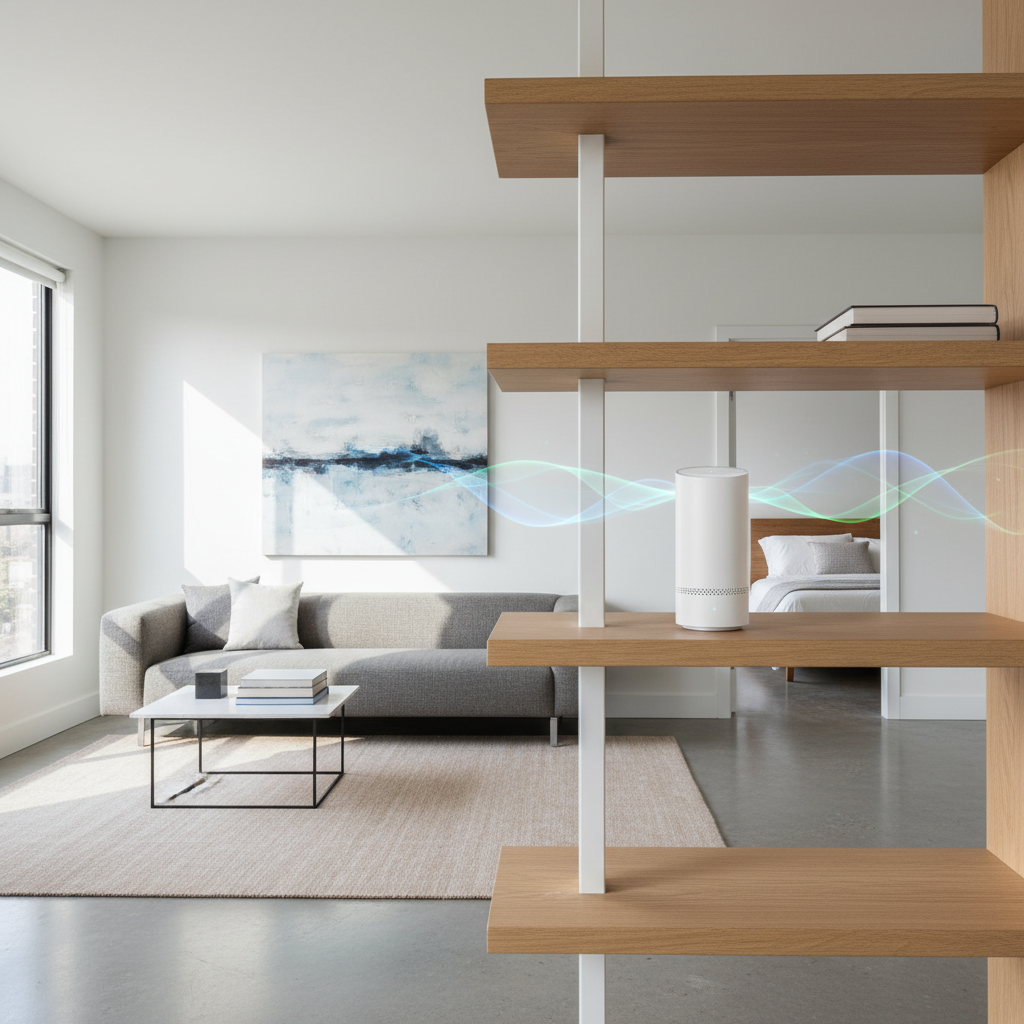
- Place it higher and more central: A shelf beats the floor. Avoid hiding it behind a TV or inside a cabinet.
- Split SSIDs if needed: If devices cling to 2.4 GHz, separate network names for 2.4 and 5 can improve speed and reliability.
- Choose cleaner channels: Many routers can auto-select, but in crowded buildings, manual tuning sometimes helps. Use a Wi‑Fi analyzer app if you’re comfortable.
- Wire the “heavy” devices: A single Ethernet cable to a streaming box or console can reduce Wi‑Fi contention for everything else.
- Turn on WPA3 and updates: Keep firmware current. According to CISA, keeping software updated is a core step in reducing cybersecurity risk.
- Use guest network for IoT: If the router supports it, placing smart plugs and similar devices on a guest network can simplify management.
If you rent and can’t drill or run cable, consider flat Ethernet cables along baseboards or adhesive cable channels, but follow building rules and avoid creating trip hazards.
Common mistakes that waste money (or make Wi‑Fi worse)
- Buying the most powerful router, then placing it in the worst spot: Signal can’t fight physics.
- Using cheap Wi‑Fi extenders randomly: Many extenders cut throughput and add latency. Mesh is often a cleaner solution when you truly need coverage.
- Ignoring device limits: Older laptops and phones may never use Wi‑Fi 6E/7 benefits, so upgrades feel disappointing.
- Assuming “2.4 GHz reaches everywhere” means it’s better: It often reaches, but it can be noisy and slow in apartment buildings.
- Not checking modem/ISP gear: Sometimes the bottleneck is an outdated modem, a misconfigured gateway, or a coax issue, not the router.
When to bring in your ISP or a pro
If you’ve tried better placement, channel changes, and a reasonable router upgrade and you still see frequent dropouts, it may be upstream. Ask your ISP to check signal levels and line quality, especially for cable connections. If you suspect building wiring problems or you need discreet cable routing for work equipment, a local low-voltage installer can help, and in rentals it’s smart to get landlord approval first.
Conclusion: a good apartment router is mostly about interference control
If you remember one thing, it’s this: in apartments, stability beats headline speed. Pick Wi‑Fi 6 or 6E based on your device mix and neighborhood congestion, prioritize solid radios and WPA3, then do the unglamorous setup work like placement and wiring one or two devices.
If you’re shopping today, make a short list using the checklist above, buy from somewhere with a good return window, and test coverage in the rooms where you actually live and work.
Key takeaways
- Wi‑Fi 6 fits most apartments; Wi‑Fi 6E can shine in crowded buildings if your devices support it.
- Single router works for many 1BR layouts, mesh is for stubborn dead zones and long hallways.
- Placement, channels, and wiring a few devices often deliver the biggest real-world gains.
FAQ
What is the best router type for a small apartment?
In many small apartments, a single Wi‑Fi 6 router with strong 5 GHz performance is enough. Mesh becomes more relevant when the layout forces the router into a corner or when walls are unusually signal-unfriendly.
Is Wi‑Fi 6E worth it in an apartment building?
It can be, especially if you see lots of neighboring networks and your main devices support 6E. The 6 GHz band is often less congested, but range can be shorter, so placement still matters.
How do I know if I need a mesh system?
If one room consistently has poor signal after you move the router to a better spot and you’ve checked channels, mesh is a reasonable next step. If the problem is only one device, it may be that device’s Wi‑Fi card.
Should I use 2.4 GHz or 5 GHz for streaming and work calls?
Many times, 5 GHz delivers better speed and lower latency for streaming and calls, but 2.4 GHz may be more stable behind multiple walls. Testing both in the problem room usually gives the answer quickly.
Does a more expensive router always mean better coverage?
Not always. Better radios can help, but placement and interference dominate in apartments. A midrange model in the right location can outperform a high-end router tucked behind furniture.
How can I reduce interference from neighbors?
Use 5 GHz (or 6 GHz with 6E) when possible, pick cleaner channels, and keep the router out in the open. In very crowded buildings, splitting network names for 2.4 and 5 can reduce device confusion.
My ISP gave me a gateway modem/router combo. Should I replace it?
Sometimes yes, especially if it lacks Wi‑Fi 6 or has limited settings, but it depends on the model and your plan. A common approach is putting the gateway in bridge mode and using your own router, though you may want ISP support to avoid misconfiguration.
If you’re trying to choose a router quickly and want a more “no guesswork” path, share your apartment size, wall type, ISP plan speed, and the rooms where Wi‑Fi fails, then you can shortlist the right class of router and avoid paying for features you won’t use.