top free ai note taking tools for students are basically about one thing: capturing what matters in class without you having to type every word, then turning that mess into something you can actually study from later.
If you have ever replayed a lecture recording at 1.5x speed and still missed the definition that shows up on the quiz, you already get the appeal. Good AI note apps can transcribe, highlight key terms, summarize, and make your notes searchable, which matters more than fancy templates when your schedule gets tight.
One quick reality check before we dive in: “free” almost always comes with limits, usually minutes of transcription, number of uploads, or advanced features locked behind a plan. That does not make these tools useless, it just means you should pick based on how you actually study, not what looks impressive in a demo.

What “AI note taking” really means in 2026 (and what it does not)
Most tools in this category combine a few functions: speech-to-text transcription, automatic summaries, action items or key points, and fast search across your notes. Some also build flashcards, create study guides, or answer questions using your notes as context.
What they usually do not do reliably is replace your thinking. If your professor is moving fast and referencing slides, diagrams, and side comments, the app can miss context, mishear jargon, or flatten nuance. You still need a light human pass to make notes “yours.”
According to OpenAI documentation on model limitations, AI systems can produce inaccurate output and may require user verification. That same mindset applies here: treat summaries as a draft, not the final truth.
Quick comparison table: free tiers that are actually usable
The list below focuses on tools students commonly try because the free tier is not just a 3-day teaser. Exact limits change, so think of this as a shortlisting table, then confirm current quotas before committing your semester workflow.
| Tool | Best for | Free tier “catch” (typical) | Works well with |
|---|---|---|---|
| Otter.ai | Live lectures + quick summaries | Monthly transcription minute limits, exports may be limited | Zoom, Google Calendar |
| Notion (AI features may vary) | Organized class notes + databases | AI add-on may be limited or paid; core notes are free | Templates, course dashboards |
| Microsoft OneNote + Copilot (availability varies) | Handwritten notes + sync | AI features depend on account/school licensing | Windows, iPad, Microsoft 365 |
| Google Docs + voice typing | Low-friction transcription | No “smart summary” baked in, more manual cleanup | Chrome, Google Drive |
| Obsidian (plugins) | Serious study system + linking | AI depends on plugins and external keys, setup time | Markdown, spaced repetition add-ons |
Top free AI note taking tools for students (what to pick, and why)
Below are the picks that tend to cover most student scenarios: live lectures, recorded videos, reading-heavy courses, and group projects. I am calling out the “why” because that is what usually saves you time.
1) Otter.ai (strong default for lecture capture)
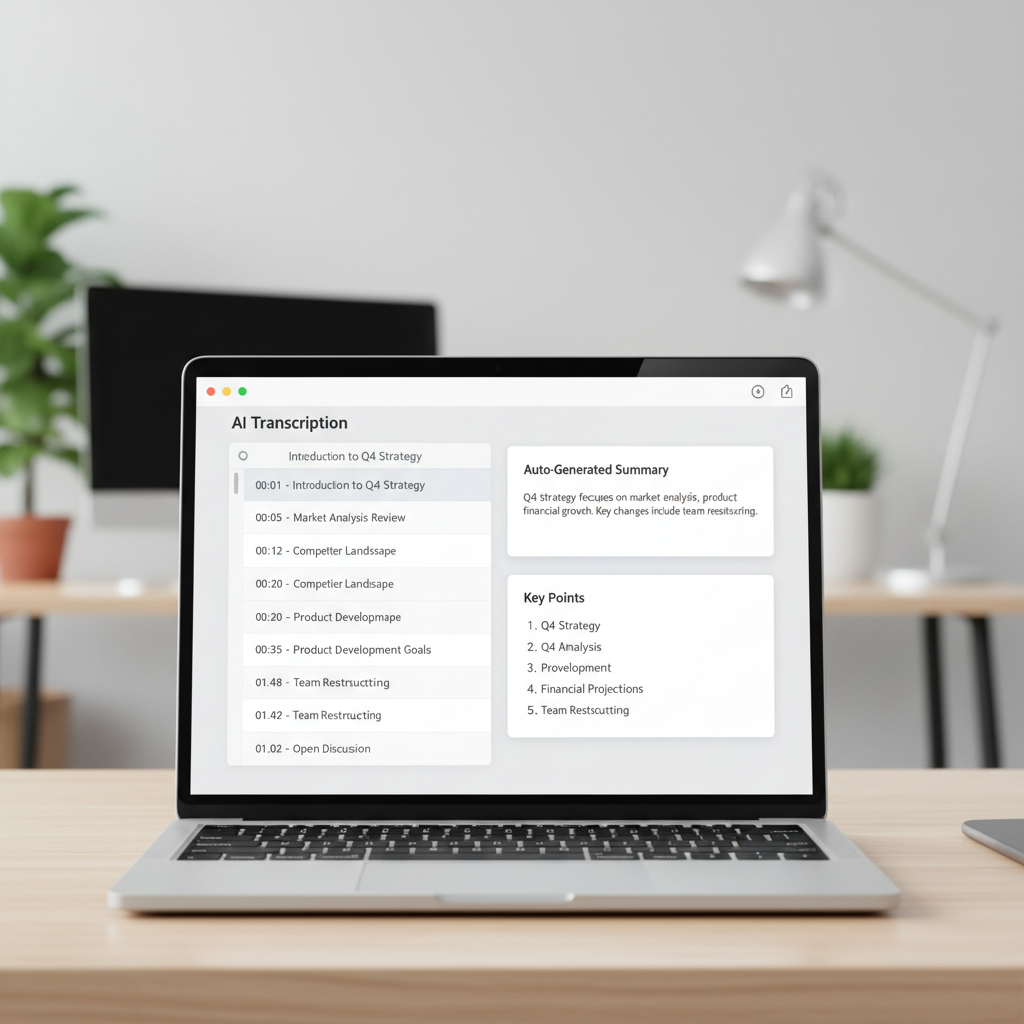
If you want something that feels like “press record and get notes,” Otter is often the simplest place to start. It is built around audio, which makes it practical for live lectures and study groups.
- Why students like it: decent real-time transcription, speaker labeling in some setups, summaries that make review faster.
- Where it can disappoint: specialized terms, heavy accents, or a professor who paces and turns away from the mic.
- Best use: capture the lecture, then spend 10 minutes adding your own headings and “exam hints.”
2) Notion (when your problem is organization, not capture)
Notion is less about listening and more about building a system: one place for notes, assignments, reading lists, and group work. Some AI features may be limited depending on your plan, but even without them, a good Notion setup reduces chaos.
- Why it works: course dashboards, linked pages, quick search, and the ability to turn notes into structured study guides.
- Watch out for: over-designing. People lose hours perfecting templates instead of studying.
- Best use: keep lecture notes + “what to review” lists in the same place, then export only what you need for exam week.
3) Google Docs voice typing (free, simple, surprisingly effective)
If you mainly need transcription and you already live in Google Drive, this is the no-drama choice. You get a running document, and you can clean it up later using headings and comments.
- Why it works: truly easy to start, good for recording yourself reading notes out loud, fast sharing with classmates.
- Trade-off: it does not automatically produce a clean summary, so you need a manual pass.
4) OneNote (best for mixed handwriting + typed notes)
Some classes are diagram-heavy: chemistry mechanisms, anatomy sketches, engineering problem sets. OneNote stays relevant because it handles handwriting, images, and typed text in one page without forcing a strict structure.
- Why students stick with it: flexible pages, strong syncing, good for annotating slides.
- AI note value: depends on your Microsoft access, often tied to school accounts.
5) Obsidian (for “I want a personal knowledge base” students)
Obsidian is not the fastest to set up, but it can become a serious study machine if you like linking concepts across classes and semesters. AI features are usually plugin-based, so think of it as a customizable toolkit rather than a single app.
- Why it shines: backlinks, graph view, markdown files you own, long-term search.
- Where people quit: too many plugins, too much tweaking, not enough actual note review.
Self-check: which type of student are you?
This takes two minutes and saves you from picking the wrong tool based on hype.
- “I miss details during fast lectures.” Prioritize live transcription and quick summaries (often Otter-style tools).
- “My notes exist, but they are scattered.” Prioritize organization and search (Notion/OneNote workflows).
- “I mostly study from recordings.” Prioritize audio upload, timestamps, and exportable outlines.
- “I learn by connecting ideas across weeks.” Prioritize linking and long-term retrieval (Obsidian-style).
- “Group projects are my pain.” Prioritize sharing, permissions, and comment threads (Google Docs/Notion).
How to use AI notes without sabotaging your grades
Most students do not fail because the tool is bad, they fail because the workflow is passive. AI notes are easiest when you treat them like raw material, then do a short active pass.
A simple 20-minute post-lecture workflow
- Minutes 1–5: scan the transcript or notes, fix obvious course terms and names.
- Minutes 6–12: add 3–7 headings that match the lecture structure, not the app’s summary structure.
- Minutes 13–18: write 5 “test me later” questions in your own words.
- Minutes 19–20: mark anything unclear with a tag like “Ask TA” or “Office hours.”

Key points that make AI notes actually useful
- Record clean audio: sit closer, avoid covering the mic, and reduce background noise when possible.
- Use consistent naming: “BIO101 Week 4 Mendelian Genetics” beats “Lecture 7.” Search becomes your superpower.
- Keep a glossary block: paste 10–30 key terms per course, then correct them when transcription gets weird.
- Export for exam week: one clean outline per exam unit, so you are not reading raw transcripts at 2 a.m.
Common mistakes (and how to avoid them)
- Using AI summaries as your only study material: summaries can omit “why” and exceptions, which professors love testing.
- Ignoring privacy and class policies: some instructors and campuses have rules about recording. If you are unsure, ask the instructor or check school policy.
- Letting the tool pick your structure: the best notes match how your class is assessed, not how the app organizes text.
- Over-collecting: saving every recording without review feels productive, then becomes an impossible backlog.
According to U.S. Department of Education guidance on student privacy (FERPA), education records and related information can have privacy implications; if you record or store class content, be thoughtful about where it is saved and who can access it.
When you might need a different approach (or extra support)
If you have an accommodation plan, auditory processing concerns, or attention challenges, AI notes can help, but it is rarely a full solution. Many schools offer academic support services, disability services, and tutoring that can pair well with a note-taking tool.
Also, if your recordings include other students’ voices or sensitive discussion topics, consider a more controlled setup, or ask for guidance from a campus advisor. When in doubt, it is reasonable to consult your school’s support office for what is appropriate.
Conclusion: pick one tool, then lock a simple workflow
The best “free” option is the one you will use every week without friction. If you mainly need capture, start with a transcription-first tool. If your bigger issue is messy materials, choose an organizer and keep it boring on purpose.
Action idea: test two tools in the same week, then commit to one for 30 days, your brain learns faster when your system stops changing.
FAQ
What are the top free AI note taking tools for students right now?
In most student setups, the practical shortlist includes Otter-style transcription apps, Google Docs voice typing for a no-cost baseline, and organization tools like Notion or OneNote. The “top” pick depends on whether you need capture, structure, or both.
Are free AI note apps accurate enough for college lectures?
They are often good enough to speed up review, but accuracy varies with audio quality, subject vocabulary, and the speaker. Plan on a quick cleanup pass, especially for formulas, names, and niche terms.
Can I use AI note taking tools for recorded YouTube lectures or online classes?
Usually yes, and recordings can be easier than live lectures because audio is cleaner. Look for timestamped transcripts and export options so you can build a study outline quickly.
Will using AI notes count as cheating?
Often it is treated like a study aid, but policies differ by instructor and institution, especially around recording. If the class has explicit rules, follow them, and ask for clarification if the policy is vague.
What should I do if the AI summary misses key details?
Use the transcript as the source of truth, then rewrite the summary in your own words with headings that match the syllabus. A small glossary and consistent file names also reduce repeat errors.
Which free tool is best for STEM classes with diagrams and equations?
Many STEM students do better with OneNote-style pages or a tablet workflow, because handwriting and images matter. You can still pair that with audio transcription, but do not expect equations to transcribe cleanly.
How do I keep my notes private when using AI tools?
Start by checking what the app stores in the cloud, what sharing defaults look like, and whether your school provides an approved platform. If your notes include sensitive discussions, limit sharing and avoid posting transcripts publicly.
If you are trying to build a more reliable system around top free ai note taking tools for students, it can help to map your week first, lecture days, review days, and assignment deadlines, then choose one tool that fits that routine instead of forcing your routine to fit the app.