
Best budget bluetooth transmitters for tv are a simple way to send your TV’s audio to Bluetooth headphones or speakers without buying a new television or soundbar. If you’ve ever dealt with lip-sync delay, spotty connections, or a TV that “has Bluetooth” but won’t pair reliably, a small transmitter can solve a lot of that fast.
Budget models can be genuinely good, but they’re also where the confusing details live: codec support, optical vs. AUX, passthrough ports, and whether you can use two headphones at once. Those details matter more than the brand name.
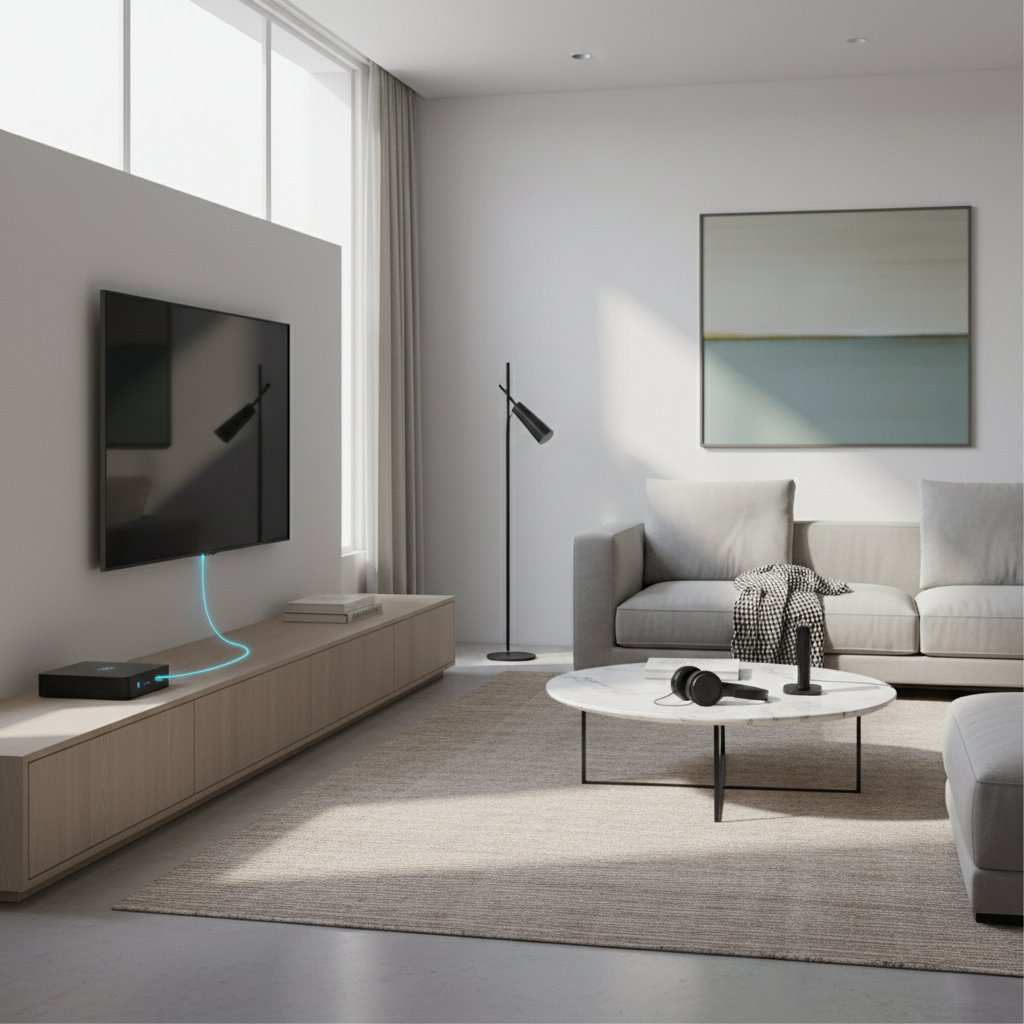
This guide focuses on what typically makes a transmitter “work well” for TVs in the real world, then gives a practical short list of specs to shop for and setup tips to avoid the common gotchas. No hype, just the stuff that tends to decide whether you’re happy after day one.
What a “budget” Bluetooth TV transmitter should do (and what it can’t)
A Bluetooth transmitter’s job is straightforward: take audio out from your TV, encode it into a Bluetooth signal, and send it to headphones or speakers. The tricky part is that TVs output audio in a few different ways, and Bluetooth has multiple quality and latency modes.
- It can fix “no Bluetooth” TVs by adding wireless audio via optical, AUX, or sometimes RCA.
- It can reduce lip-sync delay if both the transmitter and your headphones/speaker support a low-latency codec.
- It can let two listeners watch together if the transmitter supports dual-link (often marketed as “dual pairing”).
- It can’t make non-Bluetooth headphones work unless you add a separate Bluetooth receiver to those headphones (different product).
- It can’t bypass TV audio settings—if your TV forces weird output formats, you may need one settings change for stable sound.
According to Bluetooth SIG, Bluetooth audio behavior depends on supported profiles and codecs on both ends, so the “best” result is usually about matching capabilities rather than maxing out specs.
Why budget transmitters fail: the 5 issues people run into most
Most returns and bad reviews come from mismatches, not defects. These are the patterns that show up again and again.
1) The wrong TV port choice
If you use the TV’s headphone jack, you may get volume tied to the TV remote, but you also may pick up hiss or variable output. Optical (TOSLINK) is often cleaner and more consistent, but it depends on your TV settings.
2) Lip-sync delay (latency) expectations
Standard Bluetooth can introduce noticeable delay. Low-latency support can help, but only when both the transmitter and the listening device share a low-latency codec. If your headphones don’t support it, the transmitter alone can’t “force” low latency.
3) Codec confusion: SBC vs. aptX vs. aptX HD vs. aptX Adaptive
Many budget units advertise aptX, but not all aptX variants behave the same for TV use. For movies and dialogue, low latency tends to matter more than “HD” branding.
4) Dual headphones that don’t really stay in sync
Dual-link can be great for late-night TV, but mixed headphone models sometimes result in one device lagging slightly behind, or the transmitter falling back to a more basic mode.
5) Power and auto-off quirks
Some transmitters power from USB and go to sleep when the TV is silent for a moment. That’s fine for casual use, but frustrating if it takes 10–20 seconds to reconnect every time you pause.
Quick buying checklist: pick the right transmitter for your setup
If you want the shortest path to a good purchase, focus on ports first, then latency features, then convenience extras. Here’s a quick self-check.
- Your TV has optical out: prioritize a transmitter with optical input and, ideally, optical passthrough.
- Your TV only has AUX (3.5mm): look for a unit with a short AUX cable included and decent noise performance.
- You want to use a soundbar at the same time: search for “passthrough” (optical or HDMI ARC on higher-end models), otherwise you may have to choose between soundbar and Bluetooth.
- You watch lots of dialogue-heavy content: prioritize low-latency support (and confirm your headphones support it too).
- You need two headphones: confirm “dual link” or “two devices” in transmitter mode, not just “multipoint” (which often refers to receiver mode).
- You have hearing aids: compatibility varies by model and protocol; you may need a hearing-assist TV solution instead of a generic transmitter.
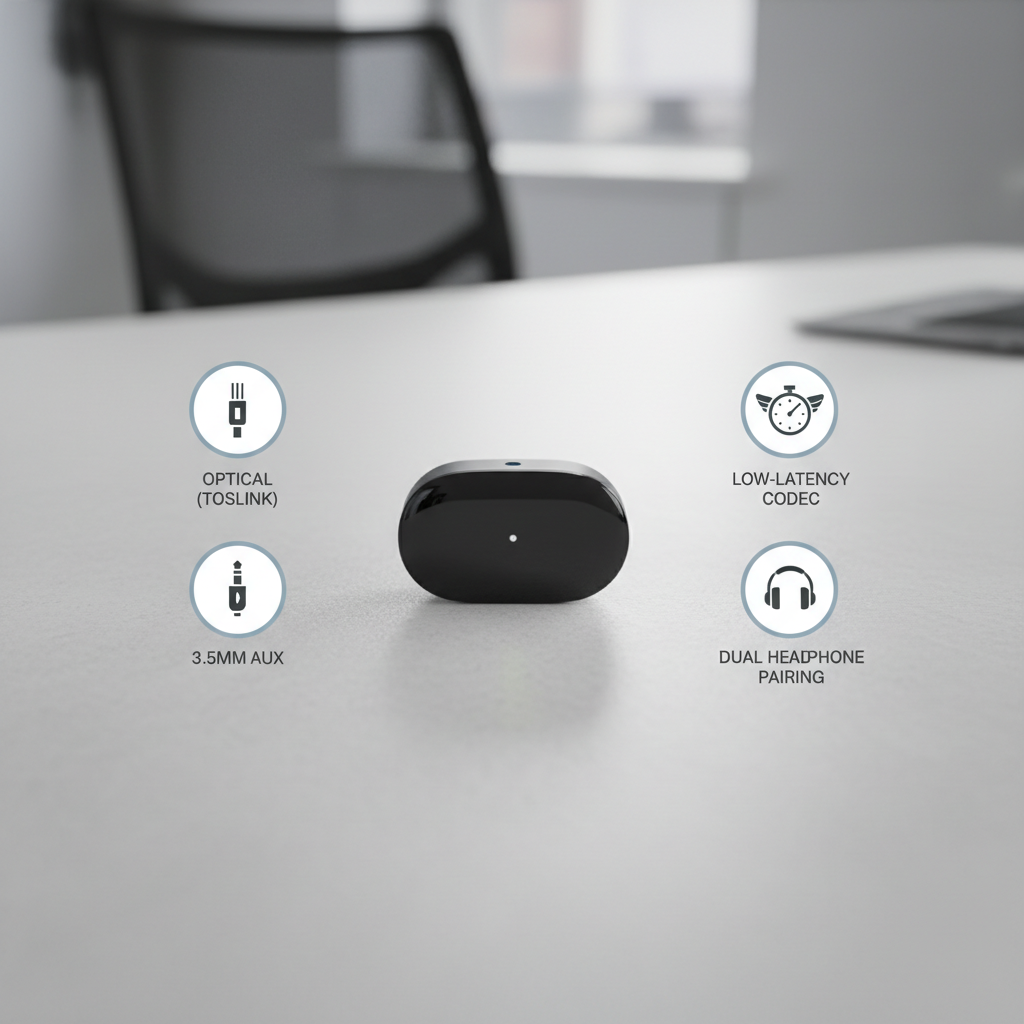
Budget feature comparison table (what matters for TV use)
Not every “best budget bluetooth transmitters for tv” pick looks different on the outside, so it helps to compare by the features that change day-to-day experience.
| Feature | Why it matters on a TV | What to look for (budget-friendly) |
|---|---|---|
| Inputs | Determines if it can connect cleanly to your TV | Optical + 3.5mm AUX (RCA is a nice bonus) |
| Passthrough | Lets you keep a soundbar/receiver connected | Optical passthrough if your TV setup uses optical |
| Low-latency support | Reduces lip-sync delay for video | Explicit low-latency mode + clear codec info |
| Dual pairing | Two headphones for shared viewing | “Dual link” in transmitter mode, stable reconnect |
| Controls & indicators | Makes setup less annoying | Separate TX/RX switch, readable LEDs, simple buttons |
| Power behavior | Affects reconnect time and daily friction | USB power with memory for last paired devices |
How to set up a Bluetooth transmitter on a TV (without the usual headaches)
Setup is usually quick, but the small steps matter. Here’s a practical sequence that avoids most pairing loops and “silent audio” issues.
Step 1: Choose the cleanest output your TV supports
- Best common choice: optical out from TV to transmitter.
- Second-best: AUX/headphone out, especially on older TVs without optical.
If you use optical, check your TV audio menu for output format. Many TVs work best with PCM (stereo) for Bluetooth transmitters, while Dolby formats can sometimes cause silence on basic units. The exact label varies by brand.
Step 2: Pair headphones/speaker the right way
- Put the transmitter in TX (transmit) mode.
- Put your headphones/speaker into pairing mode first, then start pairing on the transmitter.
- If it auto-connects to an old device, clear the transmitter’s pairing memory (usually a long-press).
Step 3: Fix lip-sync before you assume the device is “bad”
- Look for a lip-sync or audio delay setting on your TV or streaming box.
- Try different content sources: antenna TV, cable box, and streaming apps can behave differently.
- If your transmitter has a low-latency mode, enable it after pairing and confirm your headphones support a matching codec.
Step 4: Decide how you want volume to work
With optical, TV remote volume often won’t change headphone volume, you’ll adjust on the headphones instead. With AUX, TV remote volume usually works, but you may introduce noise at very low or very high settings.
Recommendations by scenario (what to buy, not brand hype)
I’m not going to pretend one model fits everyone. Shopping for the best budget bluetooth transmitters for tv goes smoother when you pick by your real constraint.
- Old TV, no Bluetooth, has optical: optical-in transmitter with optical passthrough, plus clear PCM support notes.
- Bedroom TV, you only use one headset: compact AUX/optical unit with stable reconnect and simple LEDs.
- Two people watching together: dual-link transmitter, preferably with a reputation for keeping both devices connected.
- You already own Bluetooth speakers: confirm your speaker can stay awake and reconnect; some portable speakers time out quickly.
- You hate fiddly setup: look for dedicated TX/RX switch, big pairing button, and “auto reconnect” mentioned explicitly.
Common mistakes that waste money (and how to avoid them)
- Buying “Bluetooth 5.x” and assuming it means low latency: version number doesn’t guarantee video-friendly delay behavior.
- Ignoring your headphone codec support: you can’t get low-latency behavior if your listening device can’t negotiate it.
- Forgetting passthrough needs: many people buy a transmitter, then realize their soundbar no longer gets audio.
- Expecting surround sound over basic transmitters: most budget units are happiest with stereo PCM.
- Mixing transmitter (TX) vs receiver (RX) descriptions: some listings emphasize RX features that don’t help for TV.
According to FCC, consumer electronics must meet RF interference and compliance rules, but compliance doesn’t guarantee real-world pairing stability with every TV and every headphone model, so it’s still worth checking return policies and compatibility notes.
Key takeaways + a simple plan for your purchase
Key points: ports decide compatibility, codec matching decides lip-sync, and passthrough decides whether your existing audio gear still works. If you only remember one thing, remember this: shop for your TV’s output first, then shop for latency and dual-headphone needs.
- Check your TV: optical out or AUX out, then plan around that.
- If lip-sync bothers you, verify low-latency support on both ends, not just the transmitter.
- If you use a soundbar, prioritize passthrough so you don’t create a new problem.
If you want the most “set it and forget it” experience, buy from a seller with clear specs and an easy return window, then test with the exact app or device you watch most often. That one step catches most compatibility surprises early.
FAQ
What is the best budget Bluetooth transmitter for TV if I hate audio lag?
Look for a transmitter that explicitly supports a low-latency mode and pair it with headphones or a speaker that supports the same low-latency codec. If your headphones only support basic SBC, you may still notice delay, even with a nicer transmitter.
Can I use a Bluetooth transmitter and a soundbar at the same time?
Often yes, but it depends on your connections. An optical passthrough transmitter can keep the optical chain intact, while a basic unit without passthrough may force you to choose one audio path.
Why does my TV transmitter work on YouTube but not Netflix or cable?
Different sources can output different audio formats. Many budget transmitters prefer PCM stereo. If one source sends Dolby Digital, you might get silence until you switch the TV’s digital audio output setting.
Do I need aptX for TV?
Not always. For TV, latency and stable pairing usually matter more than “HD” audio branding. aptX can help in some setups, but the headphone/speaker support is the deciding factor.
Can a budget transmitter connect to two headphones?
Many can, but “dual pairing” quality varies. If you plan to use two headsets regularly, look for dual-link in transmitter mode and expect that mixing different headphone brands can be less consistent.
Will a Bluetooth transmitter work with AirPods?
Usually yes for basic audio, but latency behavior can vary. If lip-sync is a priority, test during the return window and be ready to use TV/streaming device audio delay settings.
My TV has Bluetooth already—why buy a transmitter?
Some built-in TV Bluetooth implementations have limited codec support, weaker range, or flaky reconnect behavior. A dedicated transmitter can be more reliable, especially with optical output and a stable chipset.
If you’re trying to pick a budget transmitter quickly, start by writing down your TV’s audio output (optical vs AUX), whether you need dual headphones, and whether lip-sync bothers you enough to justify low-latency matching, then your options narrow to a short, manageable list without guesswork.