
Free music streaming apps can feel like a compromise, ads everywhere, skips capped, and the one song you want somehow missing. The good news is you can still get a solid daily-listening setup in 2026 without paying, if you pick the right app for your habits.
This guide focuses on what actually changes your experience: how aggressive the ads feel, whether you can pick specific songs, how often you hit skip limits, and how easy it is to stream on a commute, at work, or through a smart speaker.
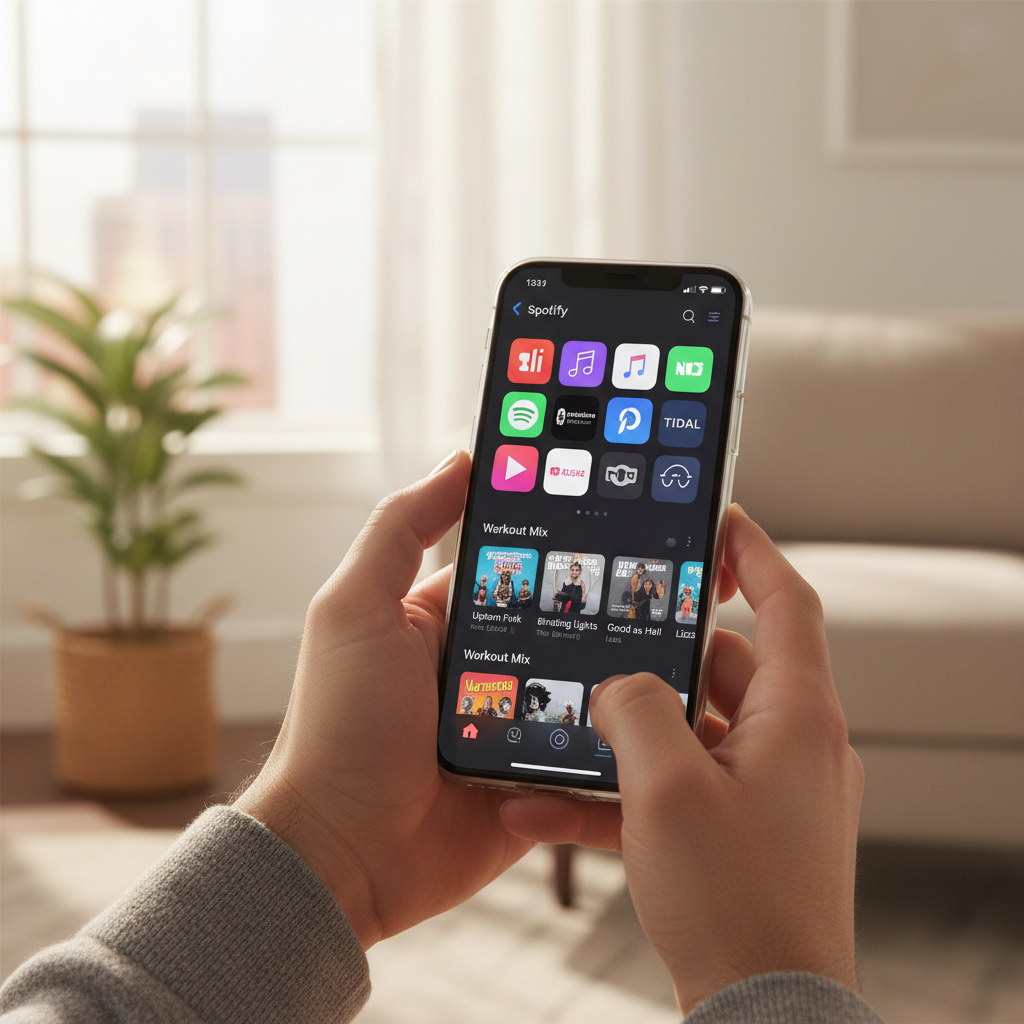
I’m also calling out the “gotchas” people usually discover too late, like when “free” really means radio-style only, or when offline listening is locked behind a trial. If you want a quick answer, jump to the table and pick the app that matches how you listen.
Quick picks: the best free options by listening style
There isn’t one universal winner. In practice, most people bounce between two apps: one for discovery and background listening, another when they want more control over specific tracks.
- Most people who want familiar playlists: Spotify (free tier)
- Music discovery and “radio” style listening: Pandora
- If you already live in YouTube: YouTube Music (free tier)
- Live radio + local stations: iHeartRadio
- If you care about artist support and simpler licensing story: SoundCloud (free tier)
Key takeaway: “Free” usually trades off on-demand control and offline downloads. Decide which one you can live without.
2026 comparison table (free tiers)
This table reflects the way these services typically work in the U.S. Free tiers change, and features can differ by device, region, or label agreements, so treat this as a practical starting point and verify inside the app.
| App | Best for | On-demand song choice | Ads feel | Offline on free | Notable limitation |
|---|---|---|---|---|---|
| Spotify | Playlists, mixes, social sharing | Limited (often shuffle-first) | Medium | No (usually) | Skip limits and shuffle constraints on many playlists |
| YouTube Music | Music videos, niche uploads, remixes | Varies; often more flexible with videos | Medium to heavy | No | Background play commonly restricted |
| Pandora | Radio-style discovery | Mostly radio-style | Medium | Limited (promos may vary) | Not built for picking exact albums start-to-finish |
| iHeartRadio | Live radio, talk, sports, local stations | Radio-style | Medium | No (usually) | Less control for pure on-demand music listening |
| SoundCloud | Indie, DJ sets, emerging artists | Yes (varies by upload) | Light to medium | No (usually) | Mainstream catalog depends on licensing and availability |
How to choose a free music app (what matters more than the brand)
Most “which app is best” debates skip the part that actually affects you day to day. Here are the decision points that tend to matter in real use.
1) Do you need on-demand control or is “radio mode” fine?
If you want to pick a specific song, repeat it, then jump to a specific album track, your patience for free tiers may run out fast. Radio-style apps can feel smoother because they’re honest about the experience: you steer, but you don’t fully drive.
2) How much do ads bother you, and when?
Ads aren’t just “more or fewer.” Some apps insert them at mood-killing moments, others cluster them so you get longer uninterrupted stretches. If you listen during workouts, ad timing often matters more than ad volume.
3) Are you listening on a phone speaker, earbuds, CarPlay, or smart speakers?
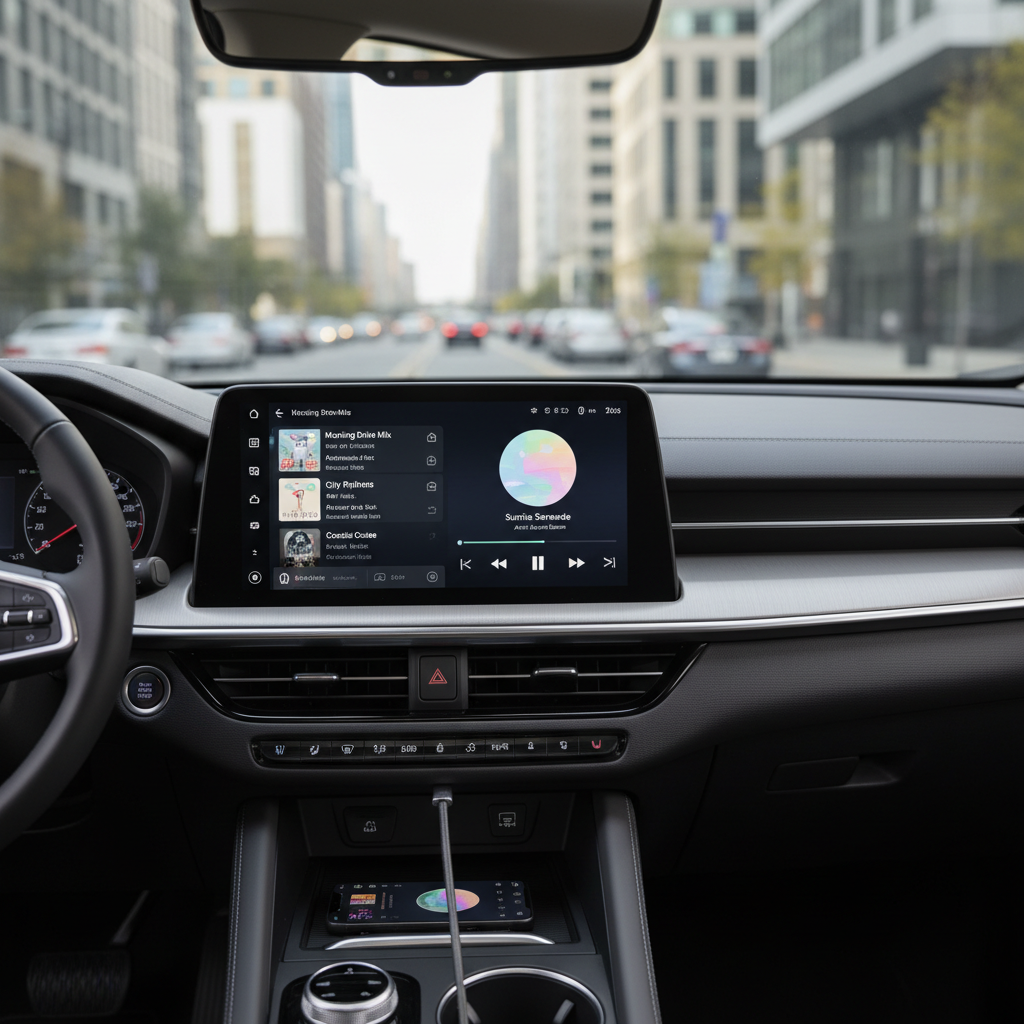
Compatibility and handoff matter. If your routine includes a car commute or kitchen speaker, pick the service that behaves well there. According to Apple and Google support documentation, CarPlay and Android Auto experiences can differ by app implementation and OS version, so it’s worth testing before you commit.
App-by-app notes (what to expect on free tiers)
These are the “editor notes” people usually want: what each service feels like after a week, not just what the feature list says.
Spotify (Free)
- Where it shines: playlists, recommendations, easy sharing, huge ecosystem
- What trips people up: free listening often pushes you into shuffle and limited skips on many playlists
- Who it fits: people who live in curated mixes and don’t mind letting the app drive
YouTube Music (Free)
- Where it shines: deep catalog of unofficial uploads, live performances, remixes
- What trips people up: background play restrictions and ad density can be the deal-breaker
- Who it fits: listeners who already search YouTube for music and don’t mind video-first behavior
Pandora (Free)
- Where it shines: discovery that feels effortless, radio stations that learn quickly
- What trips people up: not ideal if you want to play an album in exact order
- Who it fits: “set it and forget it” listeners, office background music, casual discovery
iHeartRadio (Free)
- Where it shines: live radio, local stations, talk and sports in the same app
- What trips people up: on-demand music control is not the core experience
- Who it fits: people who want radio programming and local flavor, not just playlists
SoundCloud (Free)
- Where it shines: indie releases, DJ mixes, early tracks before they hit mainstream platforms
- What trips people up: mainstream catalog can be inconsistent, and some uploads disappear
- Who it fits: genre explorers, creators, and anyone tired of identical recommendations
A quick self-check: which free tier will annoy you least?
If you’re torn, answer these honestly. You’ll usually land on one obvious choice.
- I need to pick exact songs more than I need endless discovery
- I listen while my phone is locked, and I hate keeping the screen on
- I commute through spotty coverage, so offline listening matters
- I play music on speakers at home and want easy casting
- I’m sensitive to ad interruptions during workouts or focus sessions
If you checked 3+ items, you might still start with free, but it’s worth planning around the constraint: keep a backup app, download podcasts for offline, or use local files when you know reception drops.
Practical setup tips to get the most from free music streaming apps
These aren’t hacks, just small choices that reduce friction with free plans.
Build one “low-skip” playlist for busy days
Create a playlist that you genuinely enjoy on shuffle. Free tiers often steer you there anyway, so you might as well make shuffle work for you.
Use Wi‑Fi intentionally
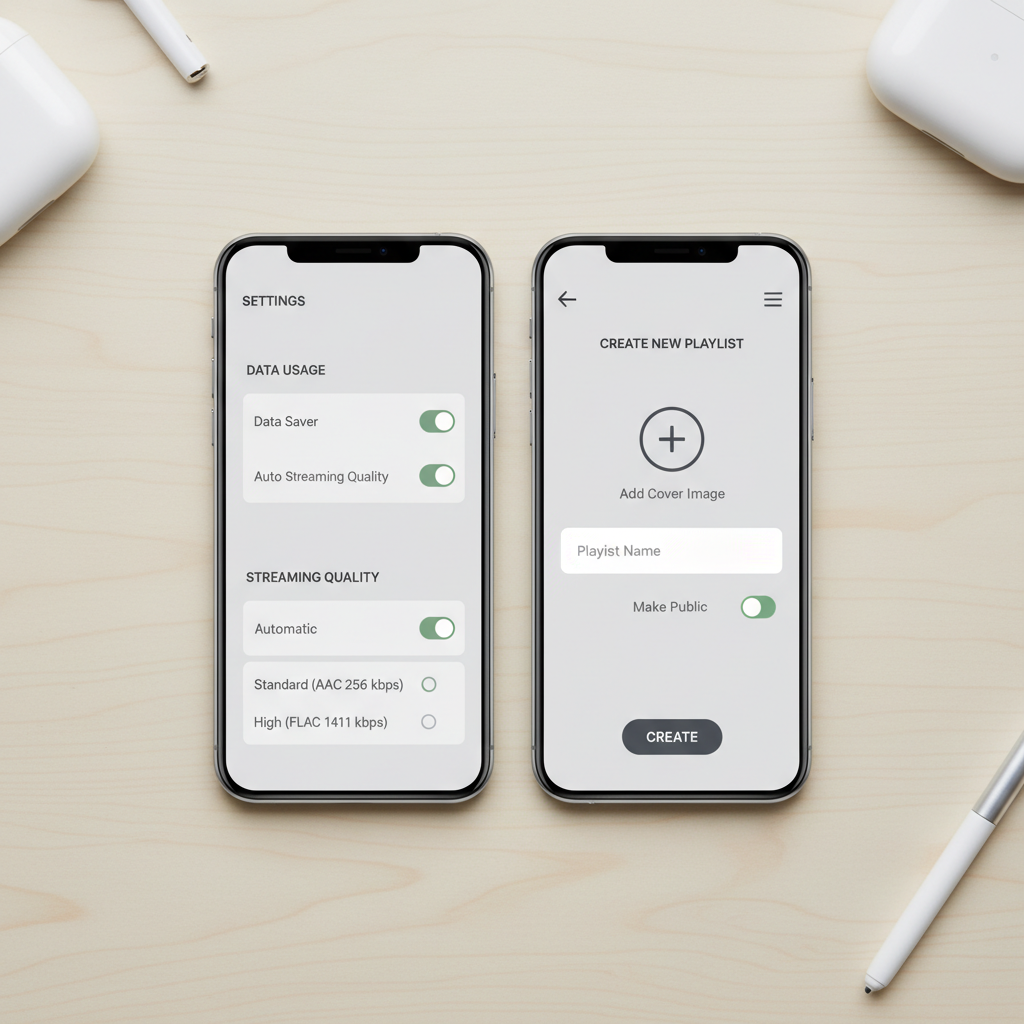
On iOS and Android, you can usually restrict higher data use in app settings. According to Federal Communications Commission (FCC) consumer guidance, monitoring data usage can help avoid overage fees, especially when you stream on cellular.
Pair your app with a lightweight radio option
If your primary app hits a skip wall, switching to a radio-style station can keep the music going without the “why won’t it play this song” frustration. Many people do this with Pandora or iHeartRadio as a fallback.
Common mistakes (and what to do instead)
- Chasing “no ads” on free: most legitimate services fund free listening with ads, so set expectations early, then optimize around timing and stations.
- Assuming offline is included: for many apps, downloads sit behind a paid plan or limited promotions, check before a trip.
- Ignoring catalog gaps: if a specific artist or genre matters, search a few favorites first, then decide.
- Using one app for every scenario: it’s normal to keep two, one for control, one for discovery.
When you should consider upgrading or getting help
If you’re constantly fighting the same limitation, upgrading might be the cheaper “time cost” choice. The most common tipping points are offline listening, background play, and family listening across devices.
If you run into account security issues, unexpected charges, or suspicious login alerts, use the app’s official support channels and your payment provider. According to Federal Trade Commission (FTC) guidance on avoiding and reporting fraud, documenting charges and contacting the company promptly can help resolve billing disputes.
Conclusion: pick one main app, then add one backup
The smartest way to use free music streaming apps is to choose a main service that matches your everyday listening, then keep a second option for the moments your free tier blocks you. For most U.S. listeners that means one playlist-heavy app plus one radio-style app.
If you want a simple next step, pick your top two from the table, test each for two commutes and one workout, then commit. You’ll know fast which one feels “free enough” to keep.
FAQ
What are the best free music streaming apps in 2026 for iPhone?
Spotify, YouTube Music, Pandora, iHeartRadio, and SoundCloud all have solid iOS apps. The real difference is whether you’re okay with shuffle-first behavior and how much you care about background listening.
Which free music app has the least annoying ads?
It varies by campaign load and your listening pattern. Many people find ad timing more important than ad count, so test during the exact moments you listen most, like workouts or focus time.
Can I listen offline with free music streaming apps?
Usually not, at least not in a full “download any playlist” way. Some services may offer limited offline features through promotions, but you should expect offline downloads to be a paid feature most of the time.
Are free music streaming apps legal?
Mainstream apps in the U.S. that you download from the Apple App Store or Google Play are generally licensed and legal to use. Be cautious with unofficial APKs or websites offering “premium unlocked” builds, those can create security and privacy risks.
What free music app works best for discovering new artists?
Pandora is strong for discovery because it’s designed around stations and feedback. SoundCloud is also great if you like emerging artists and niche scenes, though availability depends on what creators upload and keep public.
Do free tiers use more mobile data than podcasts or downloads?
Streaming can use significant data, especially at higher quality settings. If you’re on a capped plan, turn on data saver options and prefer Wi‑Fi when possible.
How do I stop a free music app from playing the wrong version of a song?
Try searching by the album name, check for “official” releases, and save the exact track once you find it. This comes up a lot on platforms with user uploads and multiple versions.
If you’re trying to choose between two free tiers and want a quicker decision, share how you listen (car, gym, work, speakers) and what you refuse to tolerate (ads, shuffle, no offline). A simple use-case shortlist usually beats reading another feature list.