
best phone grips and pop sockets usually comes down to one thing: how you actually hold your phone all day, not what looks cute in a product photo.
If your hand gets tired during scrolling, your phone feels risky on the subway, or you keep dropping it when taking photos, a grip can be a small fix that genuinely changes daily use. The catch is that “grip” can mean a lot of different designs, and they don’t all behave the same on cases, MagSafe, or textured backs.
This guide breaks down what matters in real-life use, a quick self-check to pick the right style, and a no-drama way to avoid the common mistakes that lead to wobbly grips, weak adhesion, or a grip that blocks wireless charging.
What counts as a phone grip (and how PopSockets fit in)
“Phone grip” is an umbrella term. PopSockets are the most recognized brand in the U.S., but there are several categories that solve slightly different problems.
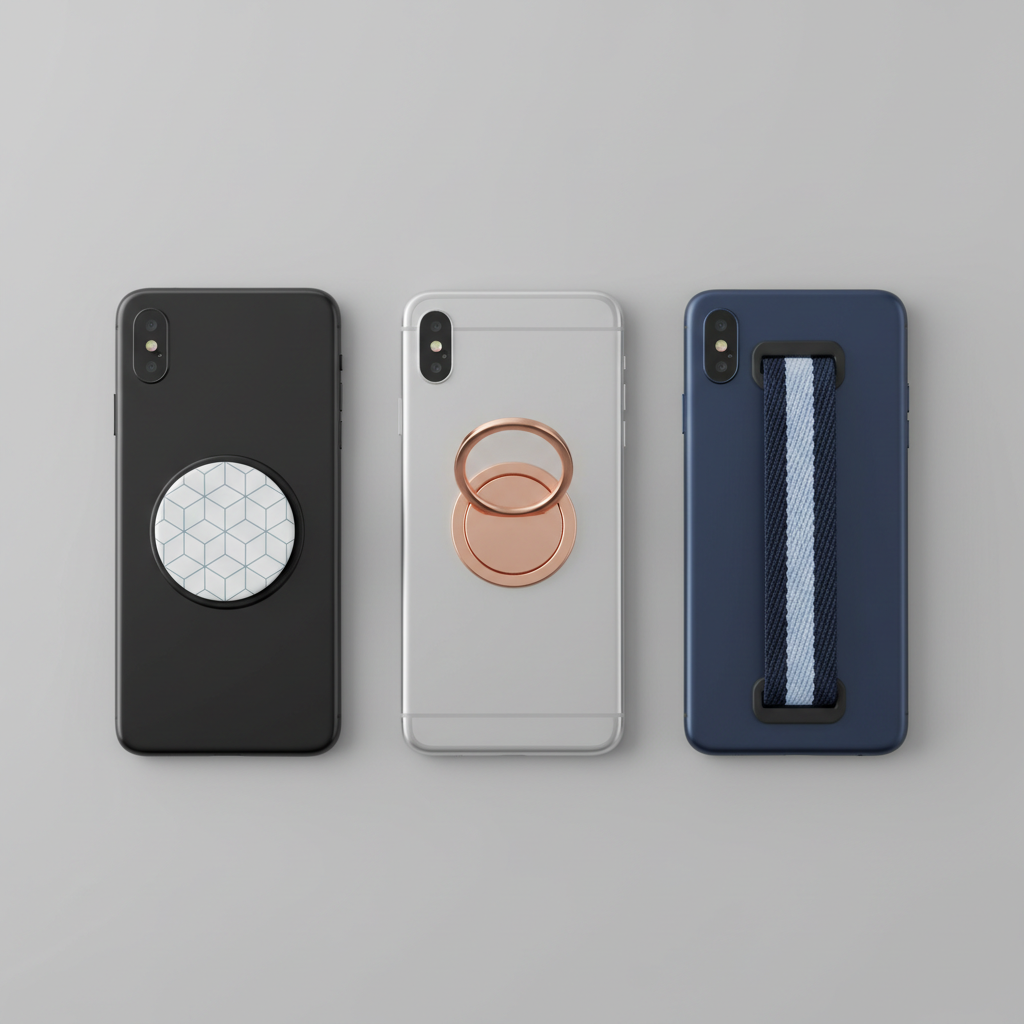
Common grip styles you’ll see:
- Collapsible “pop” grips (PopSockets-style): expand for holding, collapse for pockets, often the most versatile for one-handed use.
- Ring grips: a rigid ring that rotates, great for security, sometimes less comfortable for long scrolling.
- Strap grips: an elastic or fabric loop, comfortable and low-profile, usually less “kickstand-friendly.”
- Magnetic grips (often MagSafe-compatible): quick on/off, convenient for car mounts, but magnet strength and case choice matter.
PopSockets fit mainly in the collapsible category, plus they have magnetic options. In practice, people choose them for comfort, customization, and accessories, but you still want to match the grip type to your phone size, case, and charging habits.
Why people switch grips (the real reasons, not the marketing)
Most buyers don’t start by thinking “I need a grip.” They start with an annoyance that repeats every day.
- Hand fatigue: large phones make your pinky and thumb do more work than they should.
- Drop risk: commuting, errands, or using your phone while carrying bags makes slips more likely.
- Better photos: a stable hold helps with one-handed selfies and reduces shaky video.
- Desk convenience: some grips double as a simple kickstand for calls or short videos.
- Confidence: sounds silly, but not feeling like your phone will launch out of your hand matters.
According to Apple Support, keeping magnets and certain accessories aligned matters for MagSafe charging and accessories to work as intended. That’s a polite way of saying: if you use MagSafe daily, grip choice affects your routine.
Quick self-check: which grip style fits your day?
Before comparing “the best,” decide which trade-offs you can live with. This 60-second check usually clarifies things.
- You use MagSafe chargers or car mounts daily → consider a magnetic grip designed for MagSafe, or a setup where the grip can be removed quickly.
- You want the most comfortable one-handed scrolling → a collapsible pop grip tends to feel better over long sessions.
- You want maximum security for walking and shooting video → ring grips can feel locked-in, especially for smaller hands.
- You hate bulky pockets → strap grips or low-profile collapsible options usually win.
- You watch videos on flights or at lunch → prioritize kickstand stability, not every grip is good at this.
If you’re still torn, pick your “non-negotiable” first: MagSafe compatibility, pocketability, or comfort. Trying to maximize all three often leads to disappointment.
Comparison table: grip types, strengths, and trade-offs
Here’s a practical snapshot. It’s not about winners, it’s about fit.
| Grip type | Best for | Watch-outs | Typical profile |
|---|---|---|---|
| Collapsible pop grip | All-day comfort, one-handed use, casual kickstand | Can interfere with some wireless chargers; placement matters | Medium (collapses flatter) |
| Ring grip | Security, carrying confidence, rotation control | Hard edges can feel less comfy; kickstand angle varies | Low to medium |
| Strap grip | Pocket-friendly comfort, light hold support | Less stable as a kickstand; can loosen over time | Low |
| Magnetic (MagSafe-style) | Quick attach/remove, car mounts, MagSafe routines | Magnet strength varies; thick cases reduce hold | Medium |
How to choose the “best” option for your phone and case
When people search best phone grips and pop sockets, they usually want something that feels stable without wrecking charging, comfort, or case aesthetics. Use these decision points and you’ll avoid most regrets.
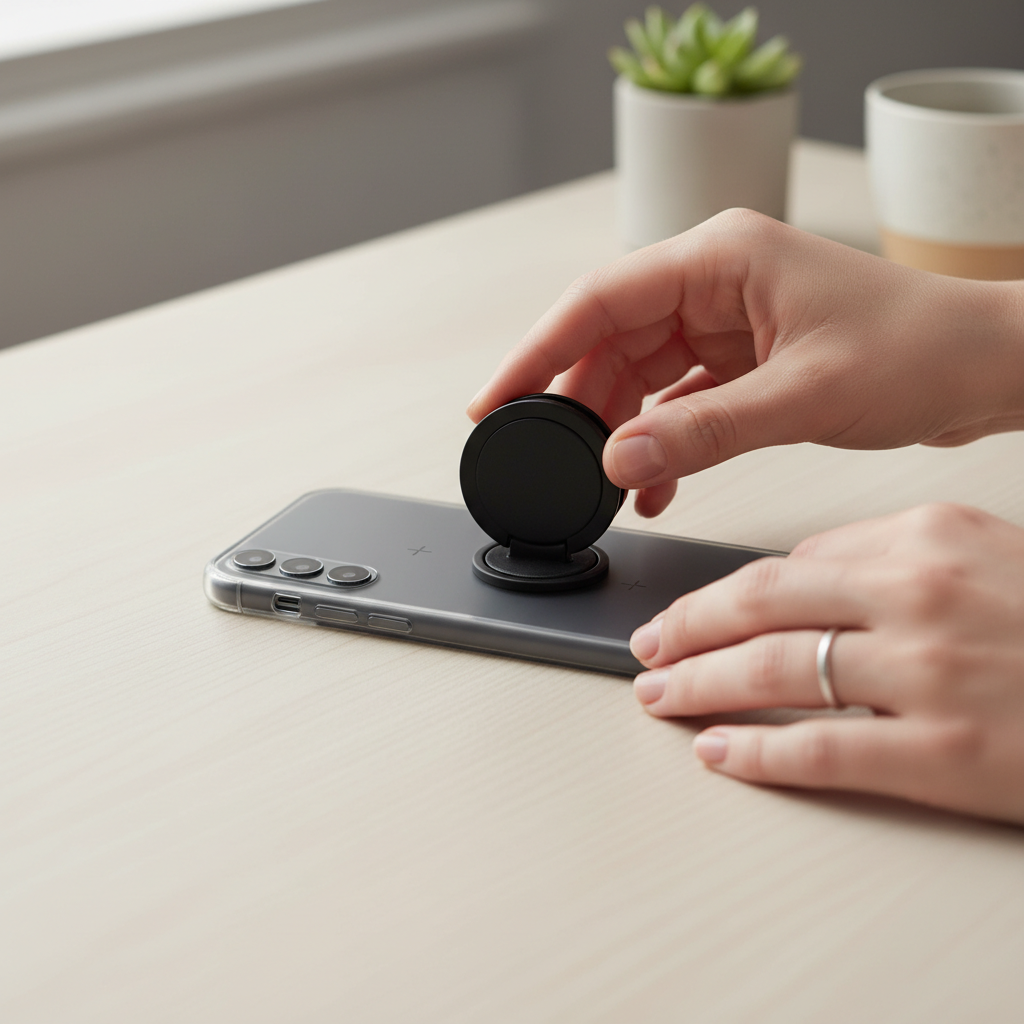
1) Adhesive vs magnetic: be honest about your charging habit
If you use a flat wireless charging pad nightly, an adhesive grip in the center can be annoying. If you use MagSafe puck charging, magnetic grips often integrate more cleanly, but they depend on a strong magnetic connection and a compatible case.
Many people end up happier with a grip that’s easy to remove for charging sessions, even if that means giving up some “always attached” convenience.
2) Placement matters more than the brand
A grip placed too high makes your wrist work harder. Too low and your fingers feel cramped. The sweet spot usually sits slightly below center, but hand size and phone size change the feel fast.
- Small hands + big phone: slightly lower placement often improves reach.
- Lots of camera use: avoid blocking your natural grip when you rotate to landscape.
- Frequent pocket use: test “pocket exit” so the grip doesn’t snag.
3) Case surface and texture can make or break adhesion
Silicone, soft-touch coatings, dusty cases, and heavily textured backs can reduce adhesive performance. That’s not a moral failing, it’s just materials. If you’re using a textured case, a magnetic option or a case designed for grips can reduce headaches.
Practical setup: install it once, avoid the wobble
This is the part people rush, then wonder why the grip shifts. A slow install usually beats a “stronger” grip.
- Clean the case back with a gentle wipe and let it fully dry, skin oils are the usual culprit.
- Dry-fit placement by holding your phone like you normally do, don’t guess based on symmetry.
- Press firmly across the full base so the adhesive makes even contact.
- Give it time before heavy pulling or using it as a kickstand, many adhesives bond better after a settling period.
If you’re using a MagSafe-style grip, test it over a soft surface first. Magnet strength varies by case thickness and material, and you want to learn that at home, not over a sidewalk.
Common mistakes and small fixes that actually work
A lot of “this grip is bad” reviews are really “this setup doesn’t match my phone and routine.” Here are the repeat offenders.
- Installing on a dirty or oily case: clean again, then re-apply with more careful pressure.
- Choosing a grip that blocks your charger: consider a removable or magnetic option, or shift placement slightly.
- Using it as a heavy-duty stand: some grips handle light viewing, but constant pressure at steep angles can loosen things over time.
- Expecting a thin case to behave like a rugged case: lightweight cases flex, and that can change how stable the base feels.
- Chasing the lowest profile at any cost: ultra-slim options can be less forgiving for comfort, especially on larger phones.
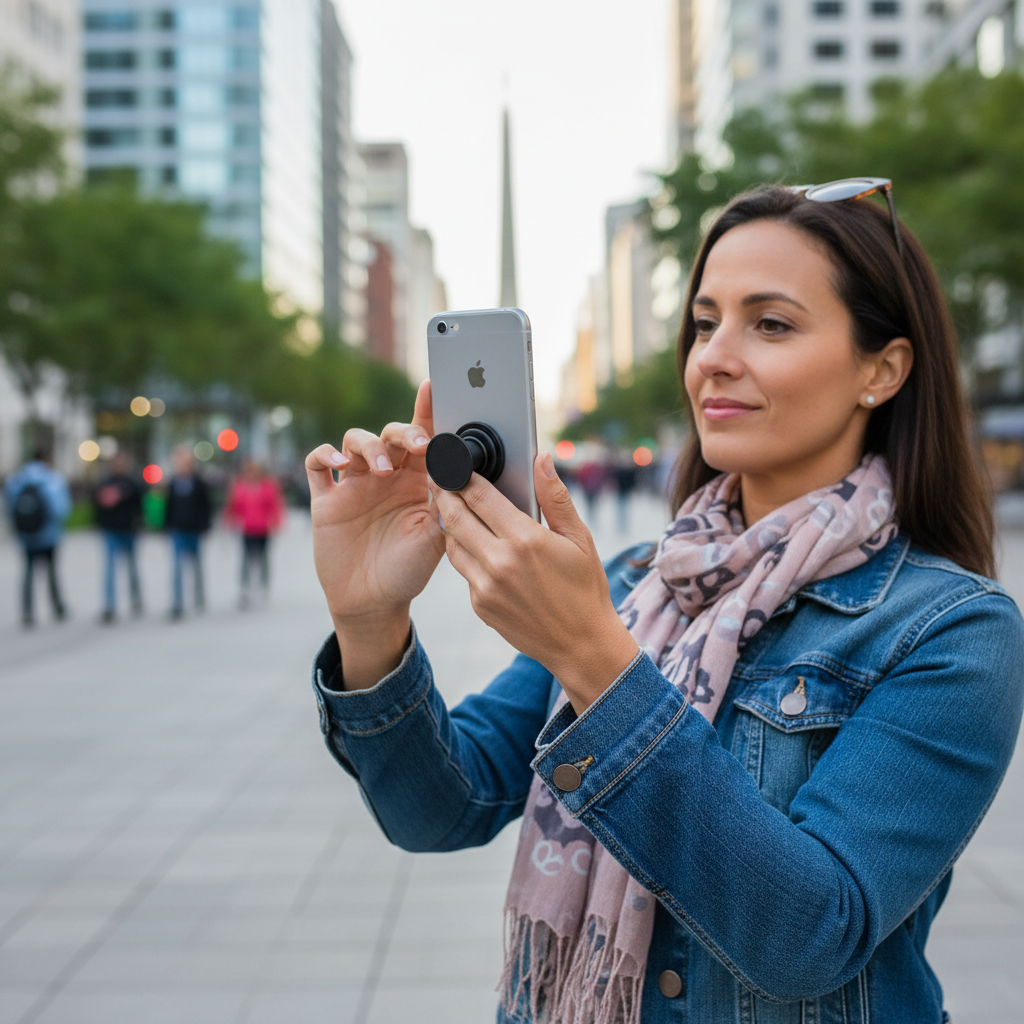
Key takeaway: if you keep switching grips, the issue is often “type mismatch” or “placement,” not that every product is flawed.
When it’s worth getting more specific (or asking for help)
Most grip choices are low-risk, but a few situations deserve extra caution.
- If you rely on medical devices that can be sensitive to magnets, magnetic grips may not be a good idea, it’s smart to check device guidance and ask a clinician if you’re unsure.
- If your phone is dropping despite a grip, consider a different case, a wrist lanyard, or a strap style that supports your hold better.
- If you have hand pain, a grip can reduce strain for many people, but persistent pain deserves a conversation with a healthcare professional.
According to the U.S. Consumer Product Safety Commission (CPSC), small accessories can present hazards for young children in many households, so it’s reasonable to keep detachable parts out of reach when kids are around.
Conclusion: picking a grip you’ll actually keep using
If you want a safe default, a quality collapsible pop grip is usually the easiest starting point, it fits most routines and feels comfortable fast. If your day revolves around MagSafe, a strong magnetic grip can be a cleaner system, as long as your case supports it and you test the hold honestly.
Your next move can be simple: pick the grip type that matches your charging setup, then spend two minutes on placement before you commit. That combo is what turns “best phone grips and pop sockets” from a search query into a purchase you stop thinking about.