
budget desk lamps 2026 are less about chasing a “cheap” price and more about getting the right light for your desk without paying for features you never use. If your home office feels dim, causes squinting, or makes video calls look harsh, a smart lamp choice can fix a lot of that fast.
What makes this tricky is that “bright” on a product page rarely matches real life, and many low-cost lamps cut corners in places you actually notice daily: glare control, color quality, or a clamp that slowly droops. A lamp can be inexpensive and still feel solid, you just have to know where to look.
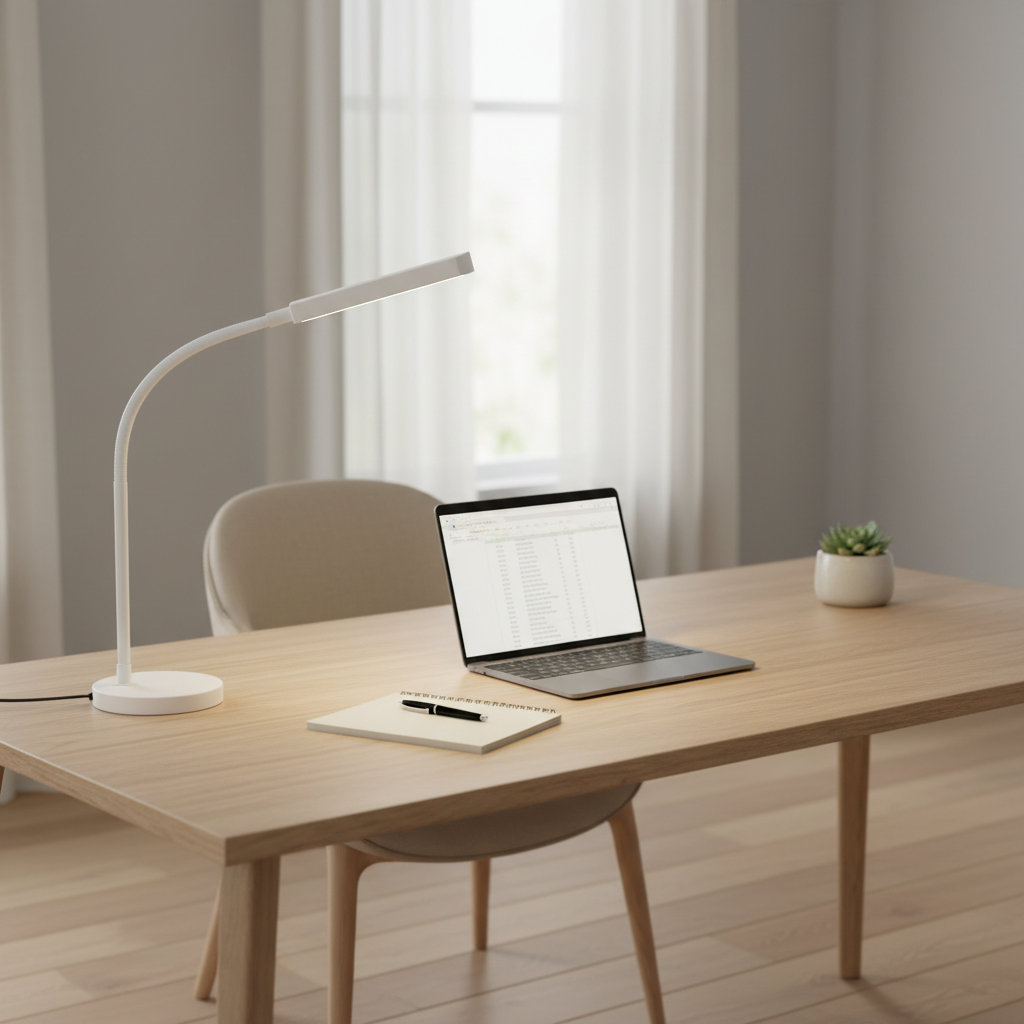
This guide focuses on what to buy in 2026 if you care about comfort, desk space, and value. You’ll get a quick comparison table, a self-check to match a lamp to your setup, and a few “don’t waste your money” tips people usually learn the hard way.
What “budget” should still include in 2026
Even in the lower-price tier, a desk lamp should cover a few basics well. Miss these, and you’ll feel it within a week.
- Enough brightness for task work: For reading, writing, and spreadsheets, most people do well with a lamp that can deliver strong, even light across the work area, not a tiny bright hotspot.
- Adjustable color temperature: Warm at night, cooler during focused daytime work. If you work long hours, this matters more than most “smart” features.
- Good glare control: Diffusers, wider panels, or well-designed shades reduce the “bare LED” sparkle that can feel irritating.
- Stable arm or neck: A lamp that slowly sags turns into a daily annoyance.
- Decent controls: Touch sliders are fine, but only if they’re responsive and easy to use in low light.
According to U.S. Department of Energy, LED lighting is widely recommended for energy efficiency and long life compared with older bulb types, which is why most good-value desk lamps in 2026 stay LED-first.
Quick comparison: best desk lamp types for home office value
“Best” depends on desk size, monitor count, and whether your workspace doubles as a bedroom. This table helps narrow the type before you shop specific models.
| Type | Best for | Typical pros | Watch-outs on budget models |
|---|---|---|---|
| Gooseneck lamp | Small desks, flexible aiming | Easy to position, compact base | Neck droop, narrow beam, glare |
| Swing-arm (architect) | Writing + crafts, frequent repositioning | Wide reach, clear “aiming” control | Wobbly joints, noisy springs, pinch points |
| LED panel bar | Even lighting on keyboard + paper | Softer shadows, less hotspot | Weak dimming range, flicker risk |
| Clamp lamp | Very tight desks, monitor-heavy setups | Saves space, can mount higher | Weak clamps, marks furniture, limited angles |
| Monitor light bar | Keyboard lighting without screen glare | Clean look, frees desk space | Fit issues on curved/ultrathin monitors |
Why budget desk lamps disappoint (and how to spot it early)
Most complaints aren’t about “not bright enough,” they’re about light quality and usability. These are the patterns that show up repeatedly.
- Flicker or PWM dimming fatigue: Some lamps dim by rapidly pulsing light. Many people never notice, some find it bothersome, especially on long workdays or on camera.
- Harsh beam + glare: A cheap LED chip with minimal diffusion can create sharp reflections on glossy desks and screens.
- Color looks “off”: Poor color rendering can make paper look grayish and skin tones look odd on video calls.
- Annoying ergonomics: Touch controls that trigger accidentally, or a base that eats up mouse space.
- Heat and build shortcuts: Very thin plastics near the LED head can feel warm and flimsy. Not always unsafe, just not pleasant.
According to U.S. Food & Drug Administration, some people may be sensitive to certain lighting flicker effects, so if you notice headaches or discomfort, it’s reasonable to switch models or adjust settings and, if symptoms persist, consult a healthcare professional.
Fast self-check: which lamp matches your desk setup?
Before you buy, answer these quickly. The goal is to avoid paying for the wrong form factor.
- Desk depth: Under ~24 inches deep often benefits from a clamp or a slimmer base so the lamp doesn’t crowd your keyboard.
- Work type: Lots of handwriting or sketching usually wants a swing-arm or a wide LED panel for fewer shadows.
- Monitor count: Dual monitors often create more shadows and glare angles, so wider, diffused light helps.
- Video calls: If you’re front-facing on camera, a lamp that can bounce light off a wall or illuminate from the side tends to look better than a top-down spotlight.
- Night work: Prioritize warm modes and a low minimum brightness so your room doesn’t feel like a warehouse at 10 p.m.
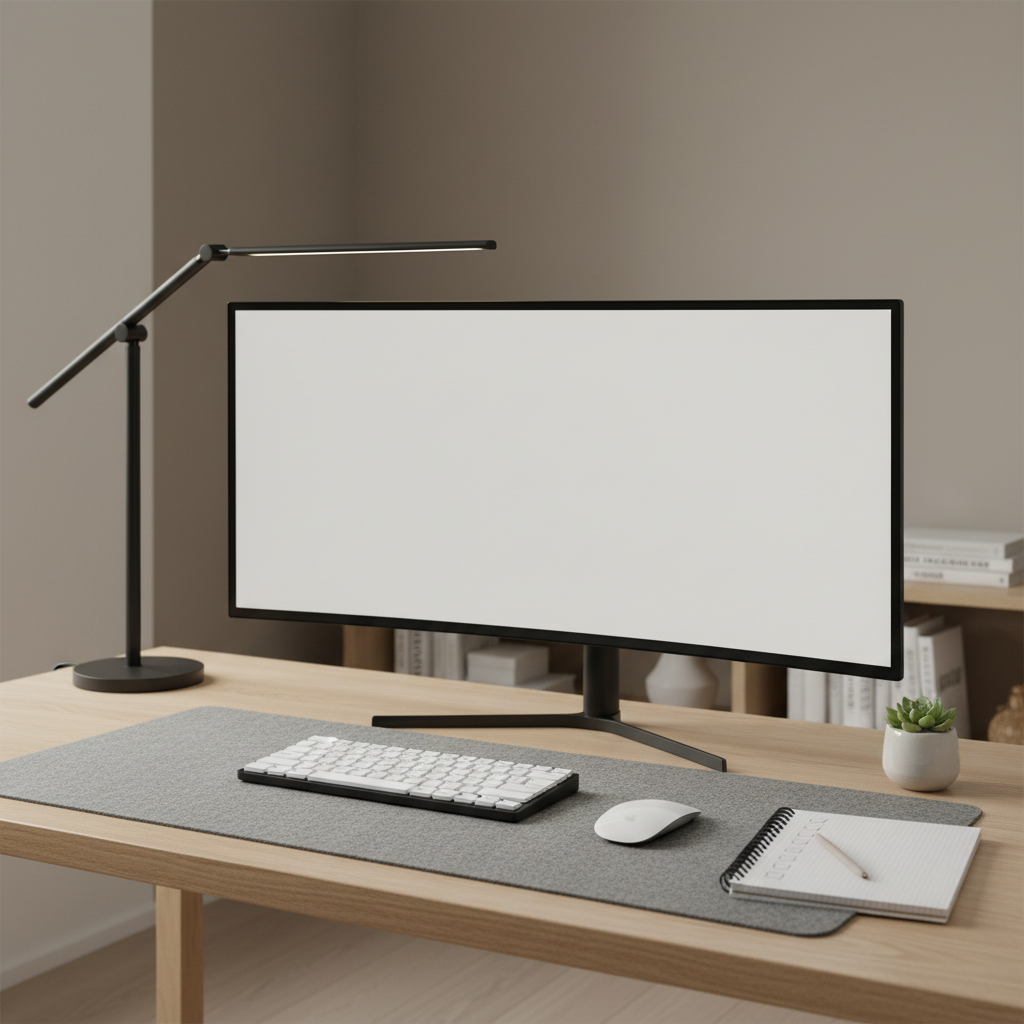
If you want a simple default: for most home offices, a diffused LED panel lamp with a wide head and a sturdy base is the safest “I just want it to work” pick, even in the value category.
Top budget-friendly picks by scenario (what to look for, not hype)
I’m not going to pretend one lamp wins for everyone. Instead, here are practical “buy targets” for common home-office scenarios, so you can compare products in a way that actually matters.
1) Small desk, big screen: clamp or monitor light bar
- Look for: secure clamp padding, wide angle adjustability, easy on/off control you won’t hit by accident.
- Avoid: ultra-thin clamps that twist, or bars that spill light onto your display and raise perceived glare.
2) Writing-heavy work: swing-arm with stable joints
- Look for: firm tension at joints, head that stays where you set it, shade or diffuser that softens the beam.
- Avoid: loose springs, rattly arms, or tiny heads that create hard shadows under your hand.
3) Shared space or bedroom office: warm low mode and quiet controls
- Look for: very low dim setting, warm color mode, a control layout you can operate without blasting full brightness.
- Avoid: “tap anywhere” touch heads that change modes when you bump the lamp at night.
4) Long computer days: wide diffused panel + good positioning
- Look for: wide light surface, multiple brightness steps, head tilt that lets you aim light at the desk, not the screen.
- Avoid: exposed LED dots that reflect in glasses or glossy monitors.
Practical setup tips that make a budget lamp feel expensive
Placement is the quiet secret. A mid lamp placed well often beats a “better” lamp aimed badly.
- Put the lamp on the opposite side of your writing hand so your hand doesn’t cast a heavy shadow on paper.
- Aim at the desk, not your eyes. If you can see the LED source directly from your seated position, expect glare.
- Keep the head slightly forward of the monitor plane so light falls onto keyboard and notes without bouncing off the screen.
- Use room light as a baseline. A single bright desk lamp in a dark room can feel harsh; adding a soft floor lamp may reduce contrast and comfort issues.
- On video calls, try side lighting aimed at a wall for gentle bounce, then lower the desk lamp so it doesn’t create under-eye shadows.
If you’re shopping budget desk lamps 2026 listings, a quick reality check is to scan user photos for spill and glare on monitors, it often reveals more than the specs.
Common mistakes that waste money (and what to do instead)
- Buying based on max lumens alone: A narrow beam can be “bright” and still uncomfortable. Choose even distribution.
- Ignoring minimum brightness: Many inexpensive lamps start too bright for late-night use. Look for a true low setting.
- Overpaying for smart features: Voice assistants and app control sound nice, but in daily life a reliable physical control usually wins.
- Skipping return-window testing: Test at night, with your monitor on, and from your normal seated angle. If glare annoys you on day two, it won’t magically improve.
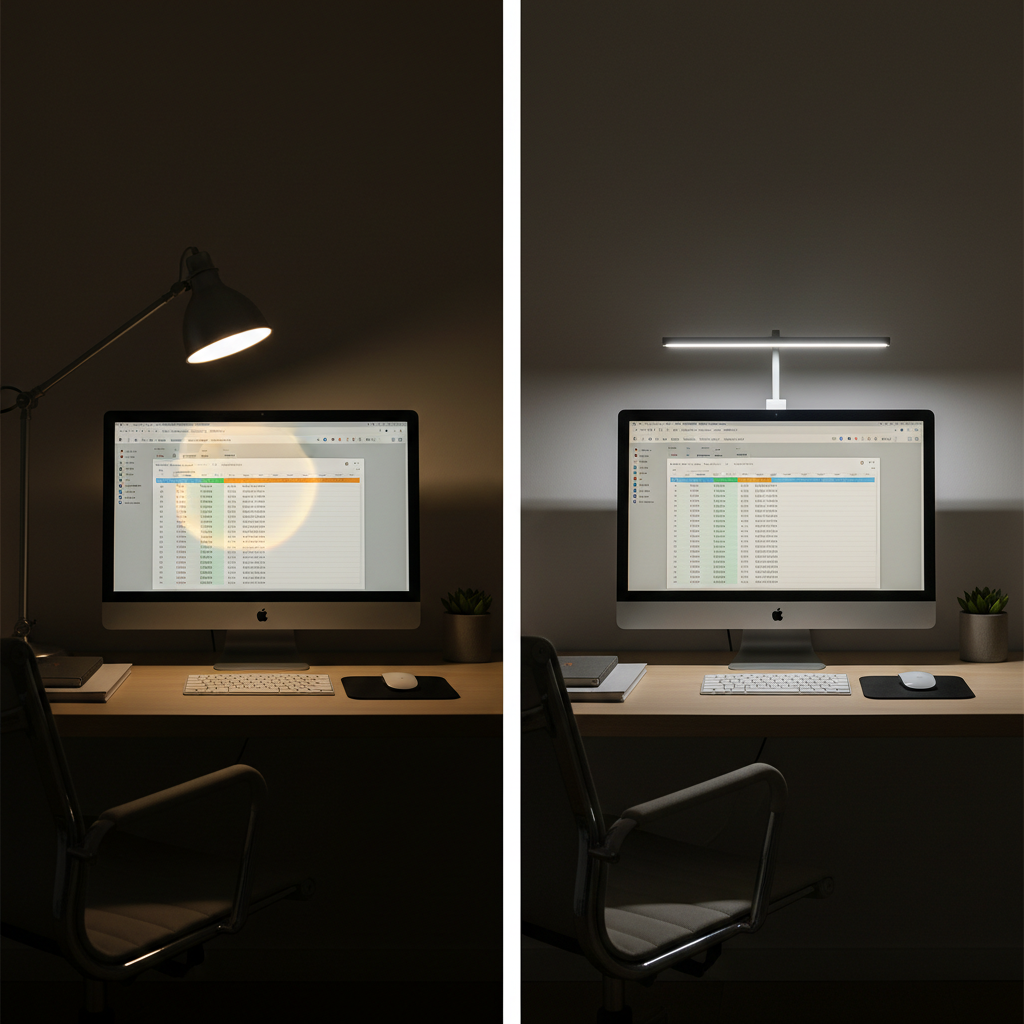
One more: if a lamp lists multiple color temperatures but feels “weird” in every mode, it may be a color quality issue. In that case, swapping models tends to work better than trying to fix it with settings.
Key takeaways + conclusion
- Choose the lamp type based on desk space and work style, not marketing labels.
- Prioritize diffusion and stability over extra modes you won’t use.
- Placement matters: side positioning and aiming at the work surface reduces glare quickly.
- Test early: glare, flicker discomfort, and annoying controls show up fast.
If you want the simplest buying path, pick one lamp style that fits your desk constraints, then compare only a few specs and build details that impact daily comfort. That’s how budget desk lamps 2026 purchases feel like an upgrade instead of a compromise.
Your next step: measure desk depth, decide whether you need a clamp, then shortlist 3–5 lamps and test one within the return window in your real nighttime setup, not just in daylight.
FAQ
- What brightness should I look for in a budget desk lamp for a home office?
Many people do well with a lamp that can get comfortably bright across the whole work area, not just a small hotspot. If you read printed pages or take notes often, prioritize even coverage and a usable dim range. - Are monitor light bars a good idea for small desks?
Often yes, because they free up desk space and can reduce keyboard shadows. Fit can be tricky on curved monitors or very thin bezels, so check mounting style and return policies. - How do I avoid glare on my screen?
Start with placement: keep the lamp slightly off to the side and aim it downward toward the desk, not the monitor. Diffused heads and wider panels also help because they soften reflections. - Do cheap LED desk lamps flicker?
Some can, especially at lower dim levels depending on the dimming method. If you notice eye strain or headaches, try a different brightness level, switch models, and consider speaking with a healthcare professional if discomfort continues. - Is warm light better for working at night?
For many people, warmer color temperature feels less harsh in the evening, especially in a darker room. The “best” setting varies, but having warm and low modes gives you more control. - What’s the difference between CRI and color temperature for desk lamps?
Color temperature is the “warm vs cool” look of the light, while CRI relates to how naturally colors appear under that light. If paper, skin tones, or product colors look off, CRI (and diffusion) may matter more than the Kelvin number. - Should I buy a smart desk lamp in 2026 or keep it simple?
If you already use smart routines, it might be convenient, but many people end up using the physical button anyway. For value shopping, stability, diffusion, and a good dim range usually deliver more day-to-day benefit.
If you’re trying to set up a comfortable home office on a tight budget, it can help to make your short list based on desk size and glare control first, then compare a few models side-by-side, that approach usually saves time and avoids the “returned three lamps already” spiral.