
Best budget security cameras outdoor picks usually come down to a few practical trade-offs: power, Wi‑Fi strength, night vision quality, and how much you want to pay every month after the camera arrives.
If you feel stuck, you’re not alone, the “cheap camera” category is crowded, and listings often highlight flashy specs while burying the stuff that actually changes daily use, like motion reliability, app stability, and whether alerts turn into noise.
This guide keeps it grounded, what matters for outdoor coverage in typical US homes, what you can skip, and how to buy a budget camera that still feels dependable six months later.
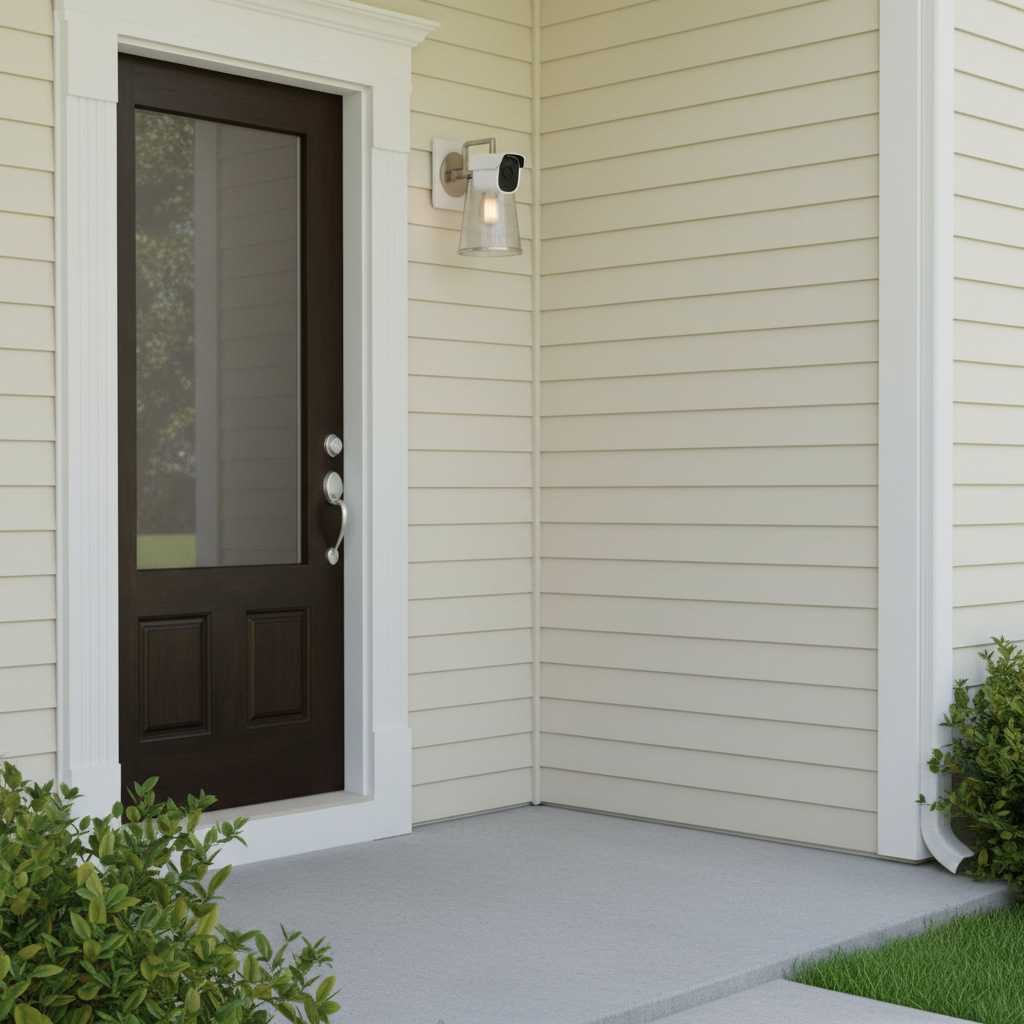
What “budget” really means for outdoor cameras
In the US market, “budget” usually means you’re trying to stay under a mid-range price per camera, and you want to avoid getting locked into an expensive subscription just to access basic features.
Most people end up choosing between three patterns:
- Lower upfront, higher monthly cost: great app features, but recordings sit behind a paywall.
- Higher upfront, lower monthly cost: local storage options, fewer paywalled essentials.
- No subscription: possible, but you need to be picky about storage, notifications, and remote access.
Also, budget doesn’t mean “set and forget.” Outdoor cameras live in heat, cold, rain, and spider webs, you’ll get better results if you pick a camera that matches your install spot and power plan.
Quick comparison table: features that affect real-world performance
Specs are only helpful when they map to day-to-day use. Here’s a practical comparison of what to prioritize when shopping for the best budget security cameras outdoor.
| Feature | Why it matters | Budget-friendly target | Common gotcha |
|---|---|---|---|
| Power | Determines uptime and maintenance | Plug-in or wired when possible | Batteries can mean missed events if you stretch recharge cycles |
| Night vision | Most incidents happen in low light | Reliable IR, optional spotlight | “Color night vision” can be noisy or dim in real yards |
| Motion detection | Reduces false alerts | Zones + person detection (device or cloud) | Cheaper cams may alert on every shadow or car headlight |
| Wi‑Fi performance | Impacts live view and clip uploads | Strong 2.4 GHz support | “Works anywhere” claims fail at detached garages |
| Storage | Controls ongoing cost and evidence access | SD card or base station option | Some models block key playback features without a plan |
| Weather rating | Survives storms and sun | Outdoor-rated housing | Mounting under eaves still needs weather resistance |
Why budget outdoor cameras fail (and how to avoid it)
Most “bad camera” stories aren’t about resolution, they’re about friction. A few common failure points show up again and again.
- Weak Wi‑Fi at the install point, the camera connects, then drops when it rains or at peak evening traffic.
- Battery fatigue, cold winters and constant motion alerts can drain batteries faster than people expect.
- Over-alerting, you stop checking notifications because the camera cries wolf all day.
- Paywall surprises, you discover you need a subscription for “basic” playback or smart alerts.
- Bad placement, the lens points too high, catches glare, or looks through a screen that ruins night vision.
According to FTC (Federal Trade Commission)... keep an eye on how smart devices collect and share data, and review privacy settings before you install anything outside your home.
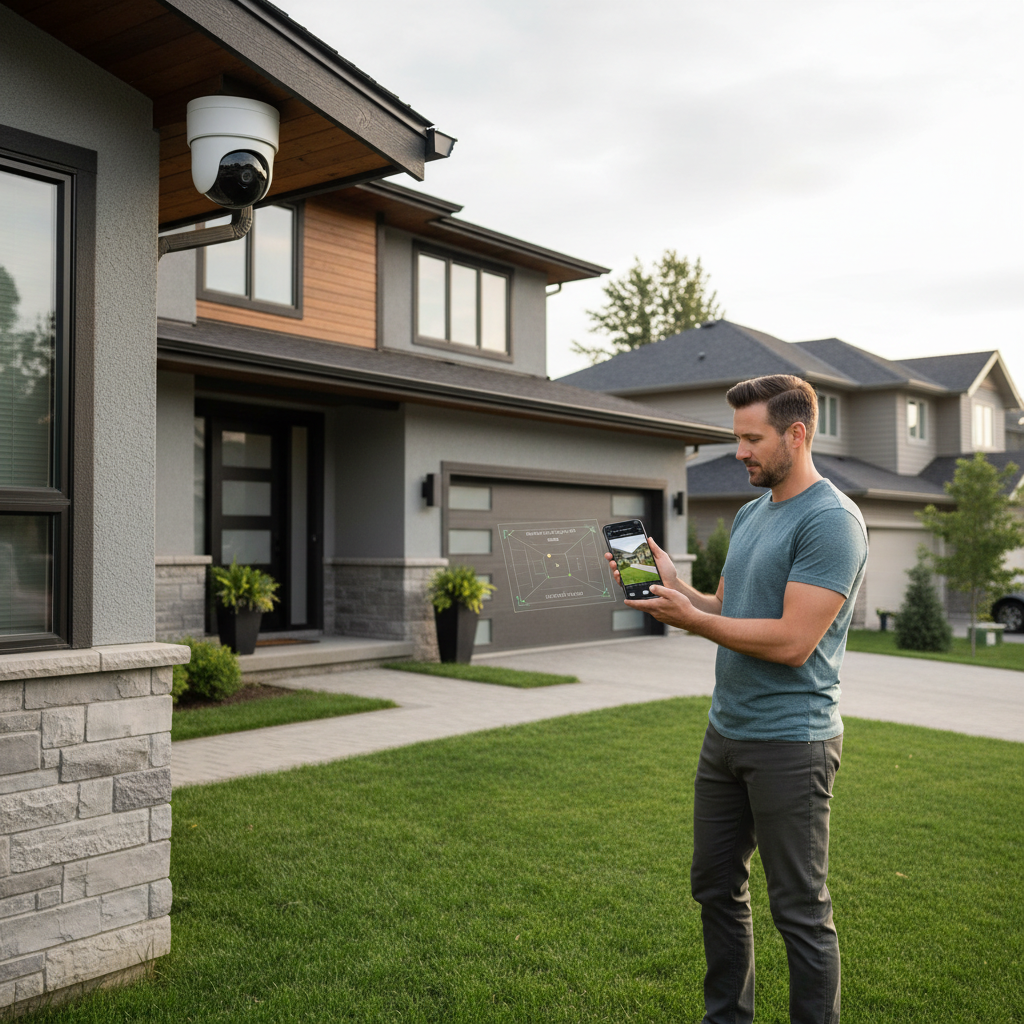
A fast self-check: which outdoor camera type fits your home?
Before you compare models, match your situation to a camera “type.” This alone saves a lot of money and returns.
If you want the least hassle
- Choose plug-in (outlet power) if you have an exterior outlet or can safely run cable
- Look for motion zones and decent night IR
- Plan for either cloud storage or an SD card, depending on comfort level
If you have a driveway or street in view
- Prioritize person detection and zone controls
- A small spotlight can help, but only if it won’t annoy neighbors
- Avoid ultra-wide lenses that turn faces into tiny dots
If you’re covering a detached garage or backyard
- Assume Wi‑Fi will be the bottleneck, consider a mesh node or Wi‑Fi extender
- Battery models might be fine if motion traffic is low
- Check whether the camera supports 2.4 GHz, many outdoor placements prefer it
How to choose the best budget security cameras outdoor (step-by-step)
You don’t need a huge checklist, you need the right order. Do these steps and you’ll filter out most “looks good on paper” options.
1) Start with power and placement
Pick the mounting spot first, then decide power. In many homes, a plug-in camera feels “budget” long-term because you’re not replacing batteries or missing clips during recharge.
- Mount under eaves when possible, it reduces glare and weather exposure
- Keep the lens away from reflective surfaces at night
- Don’t aim straight at the street unless you really need it
2) Confirm storage costs before you buy
This is where budgets get blown. If you want timeline playback, longer clip history, or smart alerts, read the plan details and decide what you can live without.
- Cloud storage: easier remote access, ongoing cost
- Local storage: lower recurring cost, you manage the card or hub
3) Evaluate alerts, not resolution
Even “good” resolution doesn’t help if motion detection is unreliable. Look for adjustable sensitivity, activity zones, and person detection if it fits your budget.
For many households, this is the difference between a camera you trust and a camera you ignore.
4) Plan your Wi‑Fi like it’s part of the purchase
A budget camera placed far from the router often performs like a bad camera. If the install point is weak, treat a mesh node as part of the package cost.
Practical setup tips that make a cheap camera feel “expensive”
Small tweaks usually improve reliability more than upgrading to a pricier model.
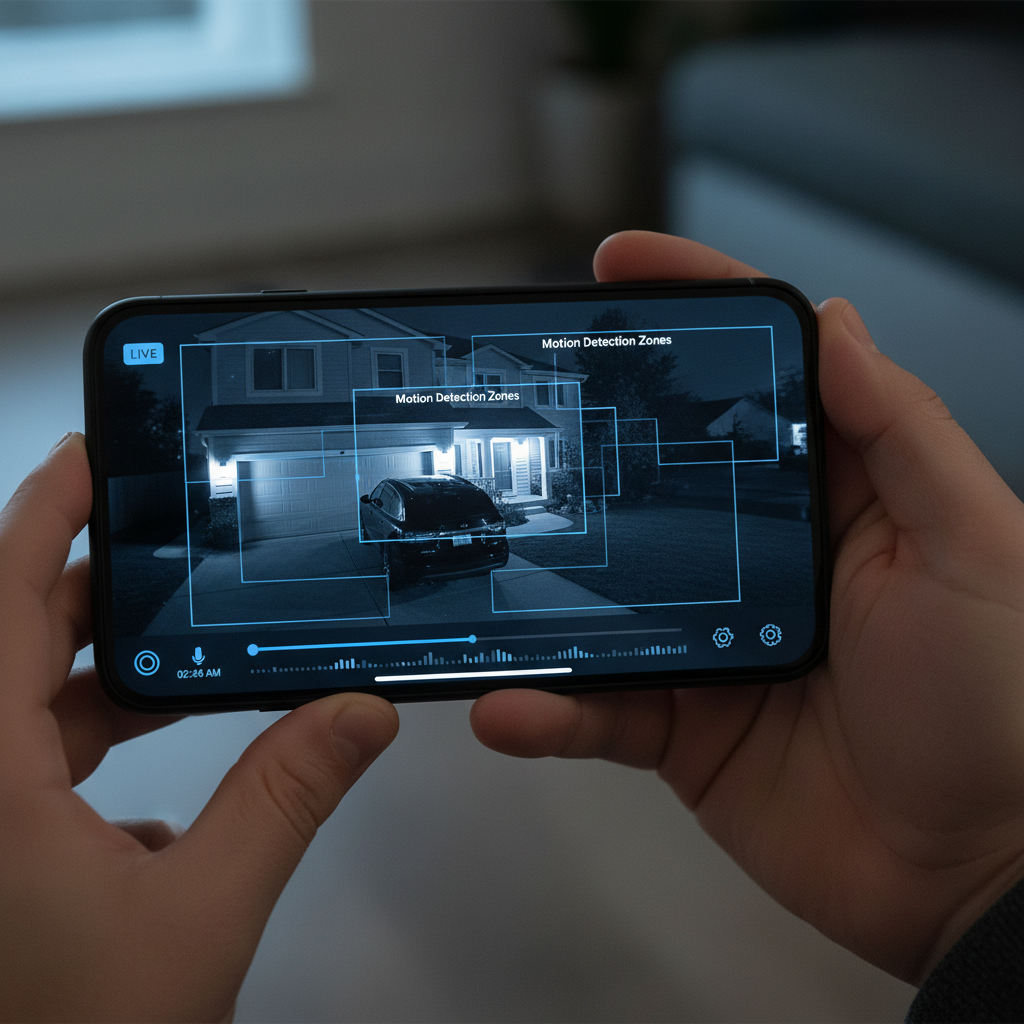
- Set motion zones to exclude trees, flags, and busy streets, it cuts alert spam fast.
- Angle for faces, chest height coverage beats a wide overhead view for identifying people.
- Use consistent lighting, a porch light or soft flood lighting can reduce night noise in footage.
- Secure your account, unique password and 2FA if the app supports it.
- Test in bad conditions, check live view at night and during rain, not just at noon.
Common mistakes (the stuff that quietly wastes money)
- Buying for “4K” while your Wi‑Fi can’t sustain stable uploads, you get buffering and gaps.
- Ignoring ongoing costs, a cheap camera with a required plan may cost more over a year.
- Mounting too high, you capture hats and the tops of heads, not faces.
- Skipping privacy checks, outdoor cameras can capture public areas, rules and expectations vary by location.
- Assuming weatherproof means hurricane-proof, placement still matters, especially for wind-driven rain.
According to FCC (Federal Communications Commission)... Wi‑Fi devices must meet regulatory requirements, but real-world range depends on your home layout and interference, so testing at the install spot matters.
When to consider professional help (or a different approach)
If your goal is deterrence and basic visibility, DIY budget cameras can be enough. If you’re trying to cover a large property, or you need dependable evidence quality, it may be worth asking a local security pro for a site check.
- Frequent Wi‑Fi dropouts even after adding mesh or moving the router
- Need for wired PoE (Power over Ethernet) runs, this usually means drilling and routing cable
- Complex multi-camera angles where blind spots create real risk
If you’re dealing with an active safety concern, consider talking with local law enforcement or a qualified security professional, advice can vary by situation and jurisdiction.
Conclusion: a budget outdoor camera can still be a smart buy
The best budget security cameras outdoor are the ones that match your power setup, Wi‑Fi reality, and tolerance for monthly fees, not the ones with the loudest spec sheet. If you do one thing today, pick your mounting spots and test Wi‑Fi there, it makes every next decision easier.
If you want a simple next step, shortlist two options: one with local storage and one with cloud storage, then compare the real cost over a year and choose the one you’ll actually maintain.
FAQ
What should I expect to spend for a “budget” outdoor security camera?
It varies by features and storage, but many people aim for a lower per-camera price and then decide whether a monthly plan fits their needs, the subscription can matter more than the sticker price.
Are battery outdoor cameras worth it on a budget?
They can be, especially for spots without power, but batteries tend to struggle in cold weather and in high-traffic areas, if your camera triggers constantly, plug-in often feels more reliable.
Do I need a subscription for outdoor cameras?
Not always. Some models support local recording, but many brands reserve smart alerts or longer clip history for paid plans, it’s worth reading what’s included before you buy.
What matters more: resolution or motion detection?
For most homes, motion detection quality matters more because it controls whether you actually catch events. Higher resolution helps, but only if the camera records the right moment and uploads reliably.
How do I reduce false alerts from trees and cars?
Use activity zones, lower sensitivity, and aim away from moving foliage and busy streets. If person detection is available, it often cuts noise a lot, though performance can vary by brand and lighting.
Where should I mount an outdoor security camera?
Under eaves or a covered area usually helps with rain and sun glare. Aim for face-level coverage where possible, and avoid pointing directly at bright lights that can wash out night footage.
Can outdoor cameras work with weak Wi‑Fi?
Sometimes, but it’s hit-or-miss. If live view buffers or clips fail to upload, adding a mesh node closer to the camera often helps more than swapping cameras.
Is it okay if my camera captures the sidewalk or street?
Many cameras will, but privacy expectations and local rules can differ, if you’re unsure, it may be smart to adjust angles and zones, and consult a local professional for guidance.
If you’re trying to choose the best budget security cameras outdoor for a specific layout, like a long driveway, a detached garage, or a porch that gets constant foot traffic, it can help to map your power options and Wi‑Fi first, then pick a camera type that fits instead of chasing specs.