
phone slow charging fix usually comes down to a short list of culprits: the cable, the power adapter, a dirty or loose charging port, heat, or a setting that quietly limits speed.
Slow charging is annoying, but it also wastes time and can hint at bigger issues like a worn battery or moisture in the port. The good news, most cases are diagnosable at home in under 20 minutes if you check the right things in the right order.
I’ll walk you through quick tests that separate “normal slow” from “something’s wrong,” then give practical fixes for iPhone and Android. You’ll also get a simple table to match symptoms to likely causes so you don’t buy random chargers out of frustration.
What “slow charging” actually means (and what’s normal)
Before you chase a fix, get clear on what “slow” means for your phone. A modern smartphone can charge anywhere from roughly 5W to 45W or more depending on model, charger, and battery level, and the speed is not constant from 0% to 100%.
- Fastest charging typically happens from ~10% to ~60%, then slows down to protect the battery.
- Wireless charging is often slower than wired, and many setups drop speed if the phone shifts off-center.
- Using the phone while charging can make it feel like it “won’t charge,” especially with navigation, gaming, video calls, or hotspot.
According to Apple Support, iPhone may stop charging if it gets too warm, and charging can slow when the device temperature rises. That temperature behavior is common across many phones, not just iPhone.
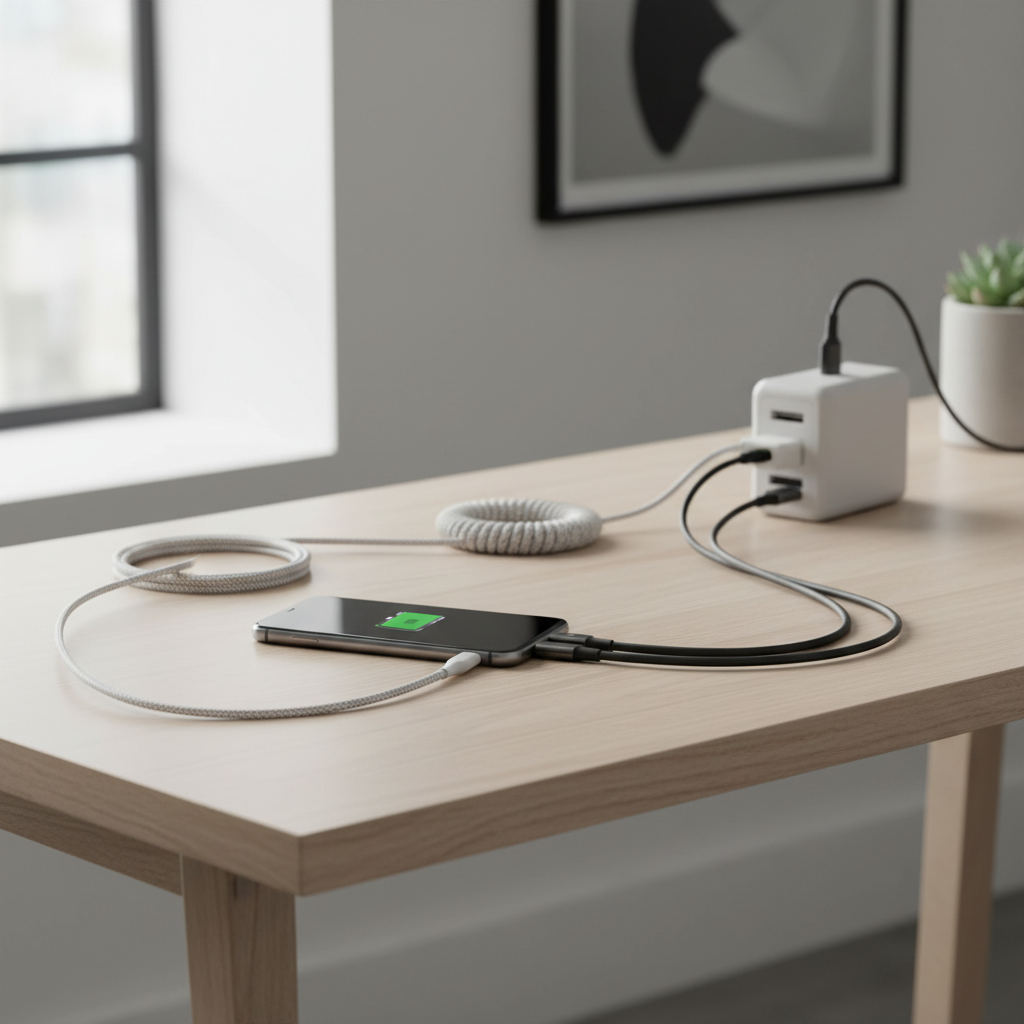
Common causes of slow charging in real life
Most “my phone charges slowly” situations aren’t mysterious, they’re a mismatch between what the phone can accept and what the charger setup can actually deliver.
- Weak power source: a laptop USB port, an old 5W brick, a low-power car adapter, or a worn power strip can bottleneck charging.
- Bad cable: internal wire breaks, loose connectors, or a cable that supports data but not higher charging rates.
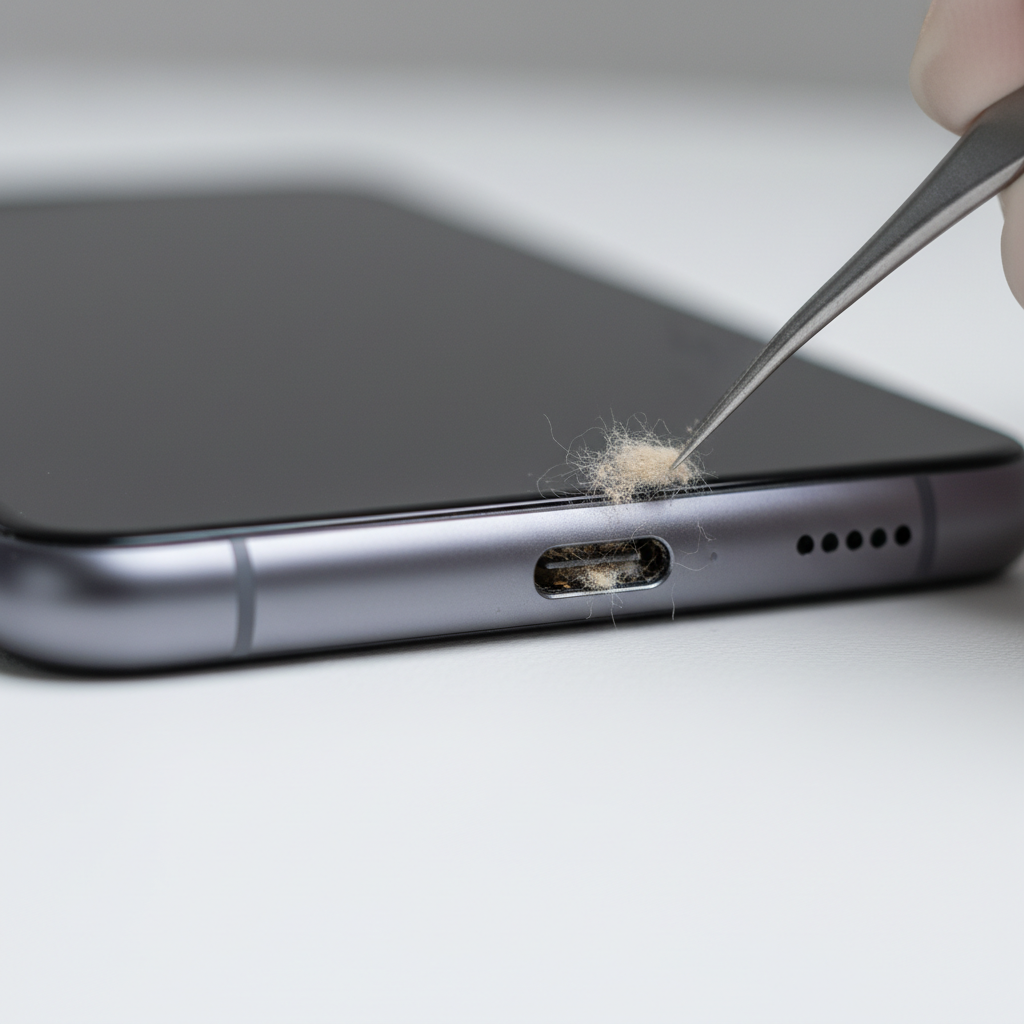
- Dirty or damaged port: pocket lint packed into USB-C/Lightning can prevent a tight fit and reduce power delivery.
- Heat and thermal throttling: the phone slows intake to avoid overheating, sometimes dramatically.
- Battery health and age: older batteries may charge slower or spend more time “conditioning.”
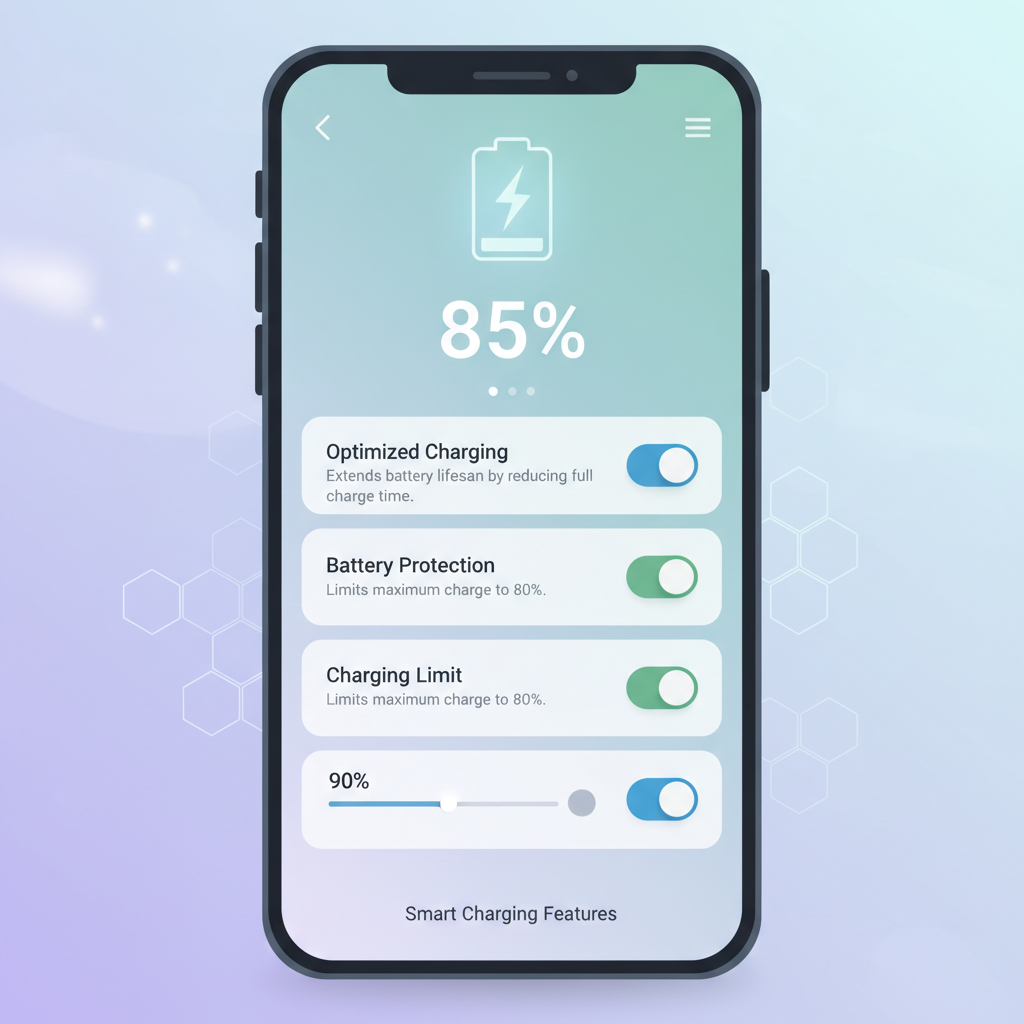
- Software limits: optimized charging, charging protection, battery saver, or charging scheduling can cap speed.
- Moisture detection: many devices reduce or block charging when water is suspected in the port.
Also worth saying out loud: if you recently switched to a new phone, your old accessories may still work but no longer qualify as “fast” for that model, which makes a normal setup feel broken.
Quick self-check checklist (10 minutes, no tools)
If you want a reliable phone slow charging fix, start with a quick isolation test. You’re trying to prove whether the problem follows the phone, the cable, or the power source.
Do these checks in order
- Change the outlet: plug directly into a known-good wall outlet, not a computer or power strip.
- Try a different cable: ideally a newer cable you trust, from a reputable brand.
- Try a different wall adapter: use a higher-wattage adapter that matches your phone’s fast-charging standard.
- Turn on Airplane Mode for 5 minutes: if speed jumps, background usage was a big factor.
- Check for heat: if the phone feels hot, remove the case and move to a cooler spot.
- Look for warnings: moisture/temperature alerts, “accessory not supported,” or “charging paused.”
Key point: if a different cable and adapter on a wall outlet fixes it, your phone is probably fine, you just found the bottleneck.
Symptom-to-cause table (so you stop guessing)
This table helps you map what you see to what’s most likely happening. It won’t cover every edge case, but it’s good for making the next step obvious.
| What you notice | Likely cause | What to try first |
|---|---|---|
| Charges fast on one charger, slow on another | Adapter wattage or charging standard mismatch | Use a PD (USB-C Power Delivery) adapter/cable combo rated for your phone |
| Charging icon appears/disappears when the cable moves | Lint in port, worn cable tip, loose port | Clean port gently, then test with a new cable |
| Slow only in the car | Low-power car adapter, bad USB port, cheap cable | Use a quality car charger with higher output and a short cable |
| Slow after 70–80% | Normal charge taper or optimized charging | Check battery settings and charging optimization |
| Slow while gaming/video/hotspot | Power draw offsets charging | Screen dim, pause heavy apps, Airplane Mode test |
| “Liquid detected” or moisture warning | Moisture in port or debris triggering sensors | Unplug, let dry fully, avoid heat blasts |
Step-by-step fixes that actually work
Here’s the practical part. Pick the section that matches your most likely cause, then test again. Don’t change five variables at once, it makes the result meaningless.
1) Replace the cable first (it’s the most common failure)
- Use a cable rated for fast charging, not just “charging capable.”
- Prefer reputable brands, and avoid ultra-cheap multi-packs when you care about speed.
- If your phone uses USB-C fast charging, pair a USB-C to USB-C cable with a USB-C PD adapter when possible.
According to USB-IF, USB-C and USB Power Delivery rely on correct cables and negotiation for higher power. In plain English, the wrong cable can quietly cap charging even if it “works.”
2) Use the right adapter wattage (higher isn’t always faster, but too low is a problem)
- Check your phone’s supported charging standard (USB-PD, PPS, Qualcomm Quick Charge, proprietary fast charge).
- Match the adapter to that standard; a random high-watt laptop brick may not trigger your phone’s fastest mode.
- If you share chargers at home, label the fast one so it doesn’t get swapped out by accident.
3) Clean the charging port safely
Port lint is surprisingly common. If the plug doesn’t click in firmly or sits slightly loose, that’s your clue.
- Power off the phone.
- Use a dry, non-metal tool like a wooden toothpick or plastic pick, work gently.
- Blow out debris with compressed air in short bursts if available, avoid sticking metal objects inside.
If you see corrosion, bent pins, or the port feels physically wobbly, stop poking around and consider professional service.
4) Check settings that limit charging speed
Many phones now slow charging on purpose to reduce battery wear. That’s not “bad,” but it can surprise you if you need speed.
- iPhone: Battery Health & Charging → Optimized Battery Charging may delay full charge at certain times.
- Android (varies by brand): Battery → Charging settings may include Protect Battery, Charging limit (80/85%), or Fast charging toggles.
According to Apple Support, Optimized Battery Charging is designed to reduce battery aging by limiting time spent fully charged. If you’re troubleshooting, temporarily toggling it can help confirm what’s happening.
5) Reduce heat, then retest
- Remove thick cases during charging, especially with wireless pads.
- Avoid charging under pillows, on car dashboards, or in direct sun.
- Skip heavy tasks for 10–15 minutes and check whether the wattage behavior improves.
Heat is one of those factors people underestimate because the phone still “charges,” it just does it cautiously.
Wireless charging and MagSafe: why it’s often slower
Wireless is convenient, but it’s less efficient. Small misalignment, a thick case, a pop socket, or a cheap pad can drop speed without obvious warnings.
- Center the phone carefully on the pad, and keep it still.
- Try charging without the case to see if speed changes.
- Use a charger that supports your phone’s wireless standard, and a strong enough wall adapter behind it.
If your goal is a dependable phone slow charging fix during travel days, a wired USB-C PD setup usually beats wireless for both speed and predictability.
When slow charging points to battery or hardware trouble
Sometimes you do everything “right” and it still crawls. That’s when you stop blaming cables and start thinking battery health or hardware.
- Battery health is degraded: phones may throttle charging to manage safety and stability.
- Port wear: frequent plugging can loosen internal connections over time.
- Moisture or corrosion: even small exposure can cause intermittent charging behavior.
According to Apple Support, iPhone users can view Battery Health, including maximum capacity and performance management notes. On Android, the exact screens vary, but many brands include a battery diagnostic section or device care tools.
When to seek professional help (and what to ask for)
If you’ve tested with a known-good cable and adapter, cleaned the port gently, and the phone still charges slowly across multiple outlets, professional diagnostics start to make sense.
- Charging only works at certain angles, or disconnects easily
- Port shows visible damage, corrosion, or burning smell
- Phone heats quickly during charging, even when idle
- Battery drains fast and charges slow, especially after 1–2 years of heavy use
Ask the shop or manufacturer support to check the port, battery health, and charging circuitry. If there’s any sign of swelling or liquid exposure, don’t keep “testing” at home, that’s a safety scenario where you should stop using the device and consult a qualified technician.
Conclusion: a faster, safer way to get charging speed back
A solid phone slow charging fix is less about tricks and more about narrowing variables: wall outlet, known-good adapter, known-good cable, clean port, cool temperature, and sane settings. Once those are in place, most phones return to normal behavior quickly.
If you want a simple action plan, do two things today: test with a reputable fast-charge cable and adapter combo, then inspect and clean the charging port carefully. If the issue persists across multiple chargers and outlets, schedule a diagnostic so you’re not stuck replacing accessories that were never the problem.
Key takeaways
- Cables fail more often than adapters, so swap the cable early in your troubleshooting.
- Heat slows charging on purpose, cool the phone and remove thick cases.
- Settings can cap speed, especially optimized charging and battery protection features.
- If charging is angle-sensitive, suspect port lint or physical wear.
FAQ
Why is my phone charging slowly even with a fast charger?
In many cases the cable is the limiter, not the brick. Also, your phone may not support that charger’s fast-charge standard, so it falls back to a slower mode even though the adapter looks “powerful.”
Does charging to 100% make charging slower?
Charging often slows near the top on purpose. That taper is normal battery management, and it’s why 80% to 100% can take longer than you expect.
How do I know if lint is causing slow charging?
If the connector doesn’t seat firmly, falls out easily, or charging cuts in and out with slight movement, lint or debris is a common cause. Clean gently with a non-metal tool, and stop if you see damage.
Is it safe to use compressed air in a charging port?
Usually it’s fine if you use short bursts and keep the nozzle at a little distance, but avoid aggressive blasting. If you’re unsure or see corrosion, a repair shop can clean it more safely.
Why is my phone slow charging in the car?
Many car USB ports output low power, and cheap adapters can be inconsistent. A quality car charger that supports USB-PD or the appropriate standard for your phone typically makes a noticeable difference.
Will a higher-wattage charger damage my phone?
Most modern phones negotiate power and only draw what they can accept, but quality matters. Stick to reputable chargers and the correct standard; if you notice unusual heat or warnings, stop and get it checked.
What’s the fastest way to confirm whether it’s a phone problem or a charger problem?
Test your phone with a known-good cable and adapter on a wall outlet, then test the “suspect” cable/adapter on another device. If the slowness follows the accessory, you have your answer.
If you want a simpler setup going forward
If you’re tired of repeating the same troubleshooting loop, it often helps to standardize on one reliable USB-C PD adapter and a couple of certified, durable cables, then keep one set at home and one in your bag or car. It’s not flashy, but it prevents most slow-charging surprises.